How to change the reporting period of call activity analysis in Lemlist
Here is how to change the reporting period of call activity analysis in lemlist
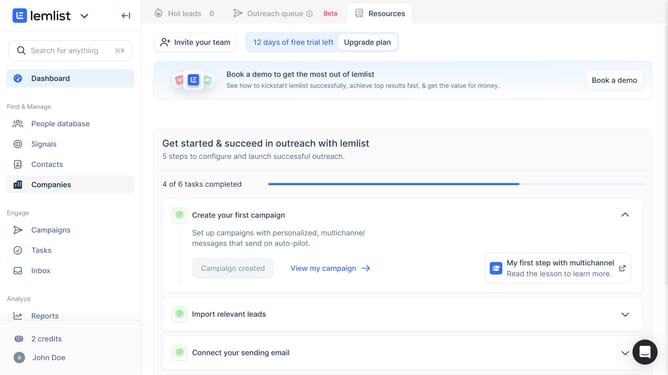
- First click on "Reports" in the sidebar under the Analyze section
- Then click on a tab in the top navigation menu
- Next click on the dropdown in the Call Activity Analysis widget
- Then select an option from the time period dropdown menu
- Finally click on "Save for everyone" button in the top right corner
Why should you change the reporting period of call activity analysis in Lemlist
Lemlist is an innovative tool for automating personalized email outreach, boosting engagement and productivity.
One valuable feature in Lemlist is the ability to change the reporting period of call activity analysis, empowering users to customize their data views according to specific timeframes.
This flexibility is crucial for tracking performance trends over different periods and making informed decisions based on accurate insights.
By tailoring the reporting period, Lemlist users can focus on relevant metrics, improving strategy and outcomes with precise analytics.
Last update