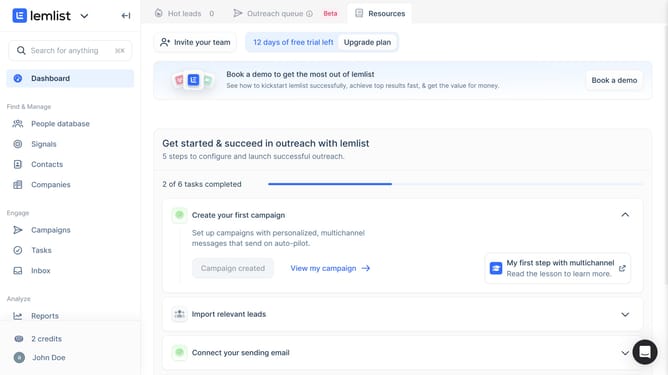
How to change the reporting period of sending activities over time in Lemlist
Here is how to change the reporting period of sending activities over time in lemlist
- First click on "Reports" in the sidebar under the Analyze section
- Then click on the tab in the top navigation menu
- Next click on the dropdown button in the reporting widget
- Then select from the time period dropdown menu
- Finally click on the "Save for everyone" button in the top right corner
Why should you change the reporting period of sending activities over time in Lemlist
Lemlist is a powerful tool designed to supercharge your email outreach efforts by enhancing personalization and engagement.
One standout feature is the ability to change the reporting period of sending activities over time. This flexibility allows users to analyze campaign performance across different time frames, granting deeper insights into email successes and areas for improvement.
By adjusting the reporting period, marketers can align data analysis with specific goals, ultimately optimizing outreach strategies and improving overall campaign effectiveness.
Last update