How to unpin a column on contact list in Lemlist
Here is how to unpin a column on contact list in lemlist
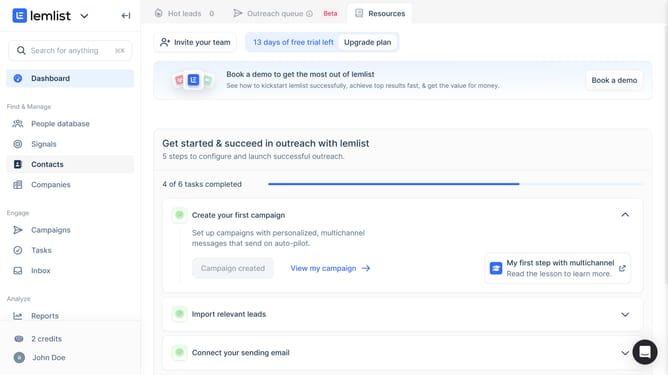
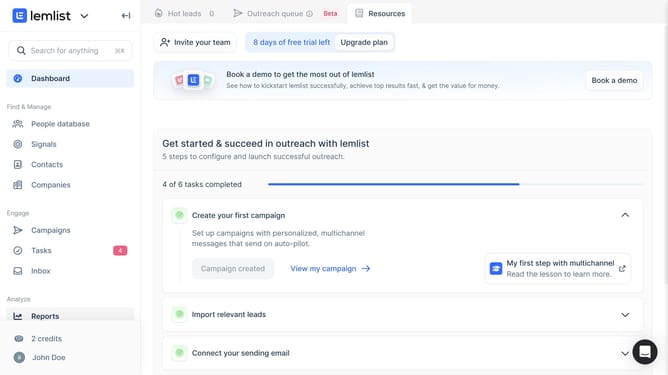
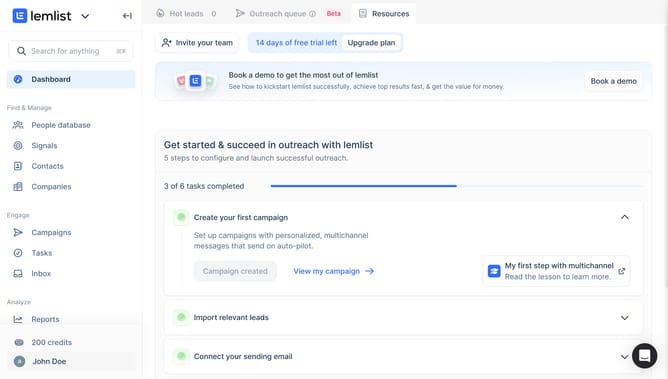
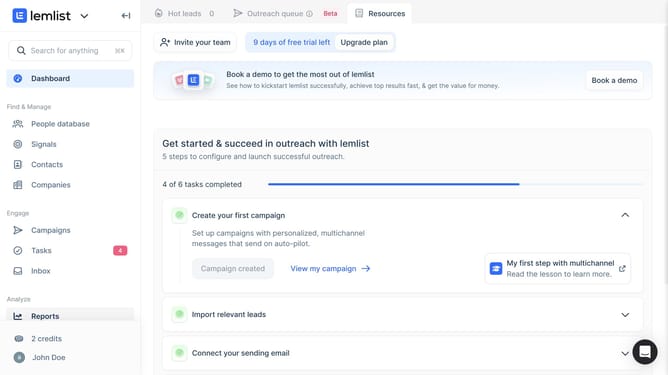
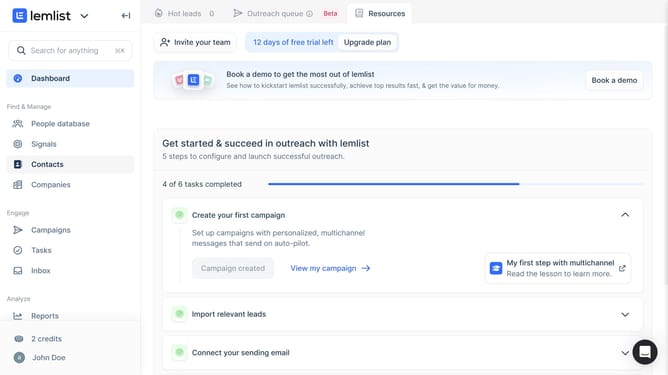
- First click on "Contacts" in the left sidebar under the Find & Manage section
- Then click on the column header to open the column options menu
- Finally click on "Unpin" option in the dropdown menu
Why should you unpin a column on contact list in Lemlist
Lemlist is a powerful outreach platform designed to amplify your email campaigns and maximize engagement.
Unpinning a column on the contact list in Lemlist is a seamless feature designed with user flexibility in mind.
This function allows you to customize the workflow by deciding which columns remain visible as you manage your lists, ensuring efficiency and enhanced navigation.
The ability to unpin columns can significantly streamline your data management, paving the way for a more tailored and organized approach to contact handling.
Last update