How to change the reporting period of messages sent over time in Lemlist
Here is how to change the reporting period of messages sent over time in lemlist
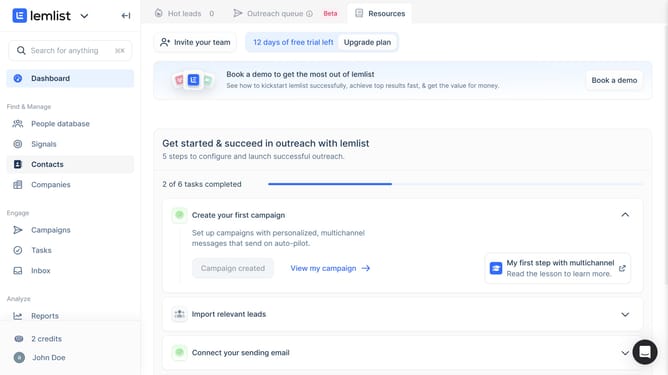
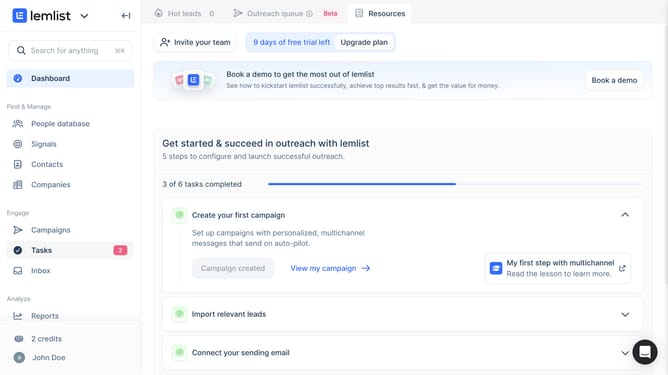
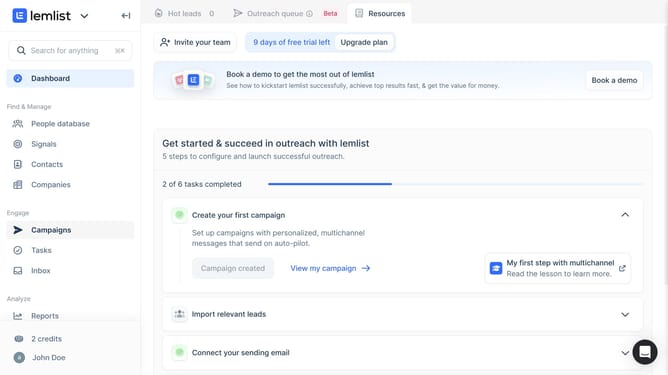
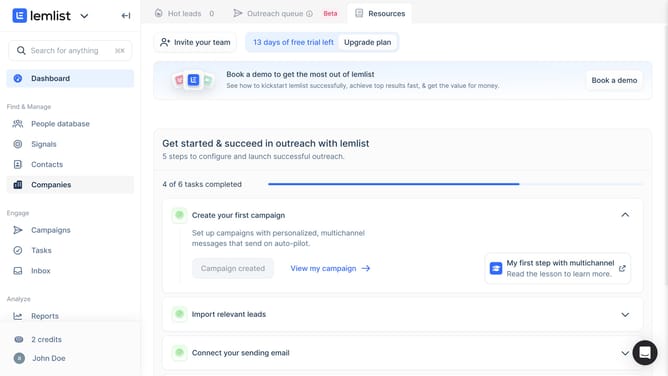
- First click on "Reports" in the left sidebar under the Analyze section
- Then click on the tab in the top navigation menu
- Then click on the dropdown menu in the Messages sent over time widget
- Then select from the time period dropdown menu
- Finally click on "Save for everyone" button in the top right corner
Why should you change the reporting period of messages sent over time in Lemlist
Lemlist is a powerful tool designed to optimize your email campaigns through personalized outreach.
Adjusting the reporting period for messages sent over time in Lemlist allows you to gain detailed insights into your campaign performance during specific time frames.
This feature benefits users by enabling a focused analysis, which helps in identifying trends and making informed adjustments to boost engagement rates.
By customizing the reporting period, you ensure your strategies are continually aligning with your marketing goals.
Last update