How to add lead funnel by campaign widget on reports in Lemlist
Here is how to add lead funnel by campaign widget on reports in lemlist
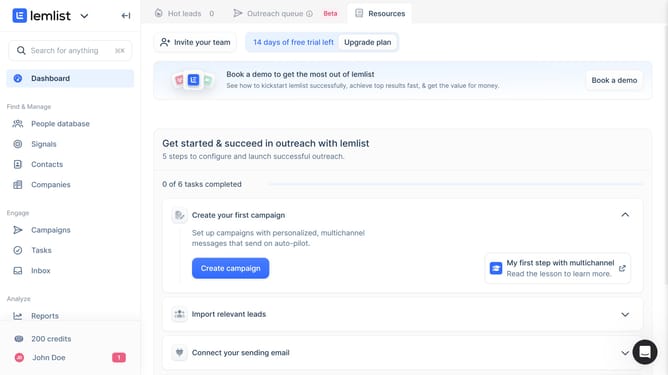
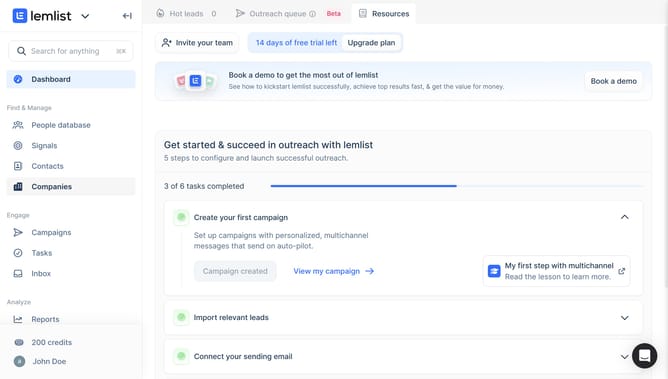
- First click on the "Reports" menu item in the left sidebar under the Analyze section
- Then click on a tab in the top navigation menu
- Next click on "Add widget" button in the content area
- Then click on the "Add widget" button within the "Lead funnel by campaign" widget card in the widget selection modal
- Finally click on the "Save for everyone" button in the top right corner of the page
Why should you add lead funnel by campaign widget on reports in Lemlist
Lemlist is a cutting-edge platform designed to supercharge your email outreach campaigns.
One standout feature is the ability to add a lead funnel by campaign widget on reports, providing a convenient view of your campaign’s effectiveness. This feature helps visualize the journey of your leads, from initial engagement to conversion, ensuring you stay informed on every aspect of your campaigns.
Using this feature in Lemlist doesn't just enhance analysis; it empowers you to optimize strategies, improve engagement, and ultimately drive better results.
Last update