How to delete team picture in Lemlist
Here is how to delete team picture in lemlist
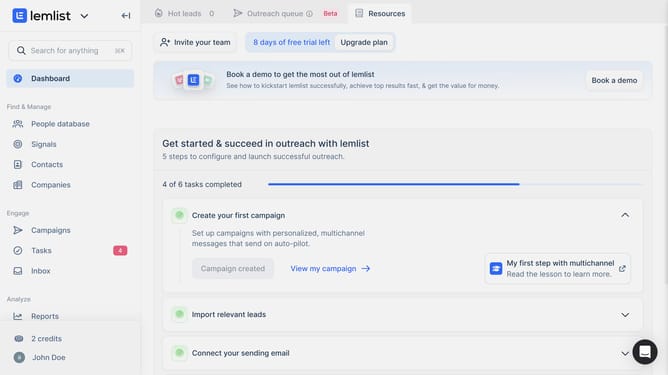
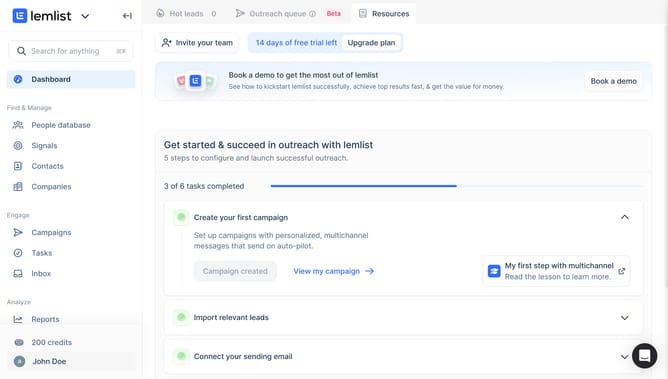
- First click on the profile button in the bottom left sidebar
- Then click on the "Settings" option in the dropdown menu
- Next click on the team name in the left sidebar under Team settings section
- Finally click on the "Delete picture" button to remove the team profile picture
Why should you delete team picture in Lemlist
Lemlist is a cutting-edge email outreach platform designed to personalize and streamline communication efforts.
Efficiently managing team visuals is crucial for maintaining a cohesive brand image, and knowing how to delete a team picture in Lemlist ensures this is effortless.
This feature allows users to update or remove team photos, providing flexibility and keeping your team’s representation up-to-date.
Leveraging this feature, users can swiftly adjust their visual branding, leading to a more dynamic and accurately presented team within the platform’s ecosystem.
Last update