How to snooze a message in Lemlist
Here is how to snooze a message in lemlist
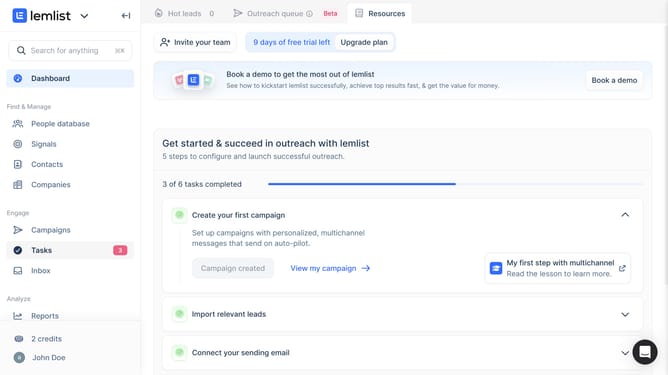
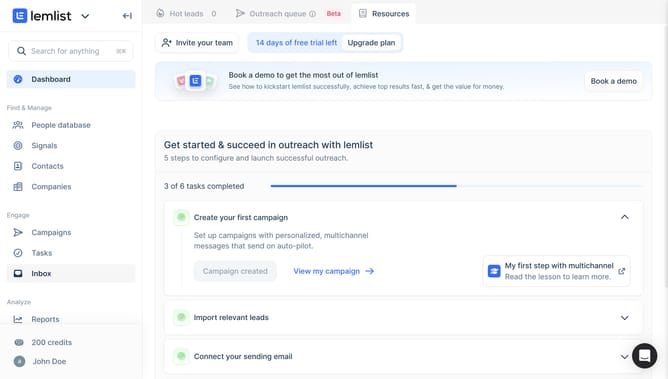
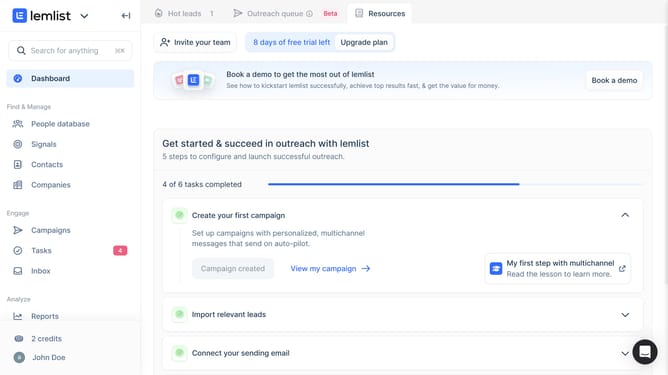
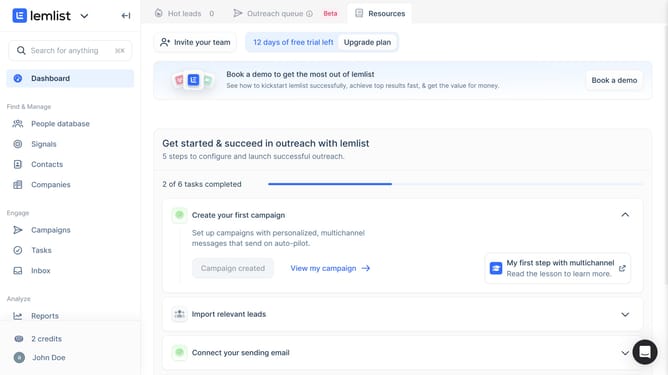
- First click on the "Inbox" menu item in the left sidebar under the Engage section
- Then click on the conversation from the conversations list to open it
- Next click on the snooze icon button in the top toolbar
- Finally select an option from the snooze dropdown menu
Why should you snooze a message in Lemlist
Lemlist is a dynamic email automation tool designed to supercharge your outreach campaigns.
Among its innovative features, the ability to snooze a message allows users to temporarily set aside emails without losing track of them.
This helps maintain an organized inbox and ensures that you can revisit important communications at a later, more convenient time.
Using the snooze feature in Lemlist can enhance productivity, allowing users to focus on immediate priorities while keeping future tasks on their radar.
Last update