How to ignore a task in Lemlist
Here is how to ignore a task in lemlist
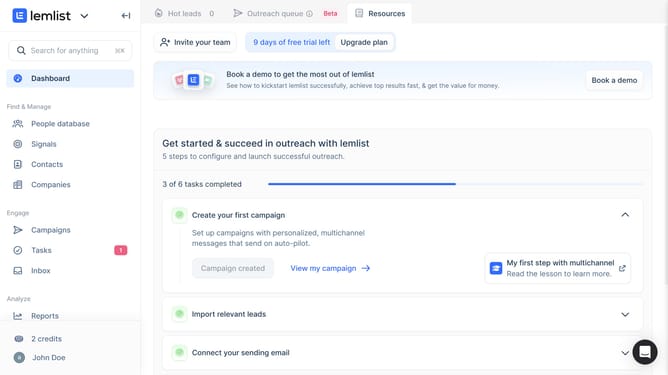
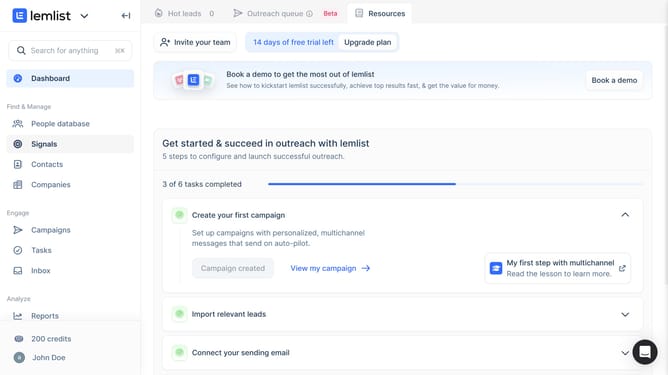
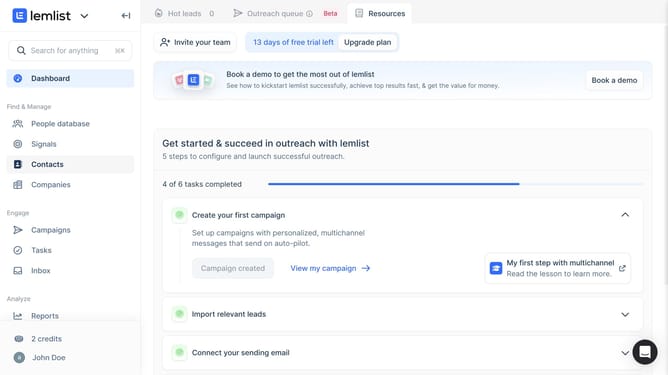
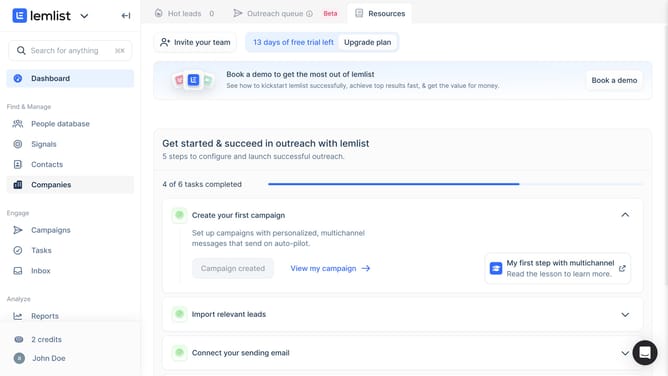
- First click on "Tasks" in the sidebar under the Engage section
- Then click on the checkbox next to the task you want to manage
- Next click on the "Ignore" button in the bottom action bar
- Finally click on "Confirm & continue sequence" button in the confirmation dialog
Why should you ignore a task in Lemlist
Lemlist is a powerful tool that elevates your email outreach with personalization and automation.
One of its intuitive features is the ability to ignore tasks seamlessly. This function becomes handy when certain tasks are not a priority or require temporary suspension without disruption.
Using this feature ensures that your workflow remains organized and focused, allowing you to concentrate on tasks that matter most at any given time.
The benefit is a streamlined operation that eliminates clutter and enhances productivity, ultimately driving more effective communication strategies.
Last update