How to duplicate a contact list in Lemlist
Here is how to duplicate a contact list in lemlist
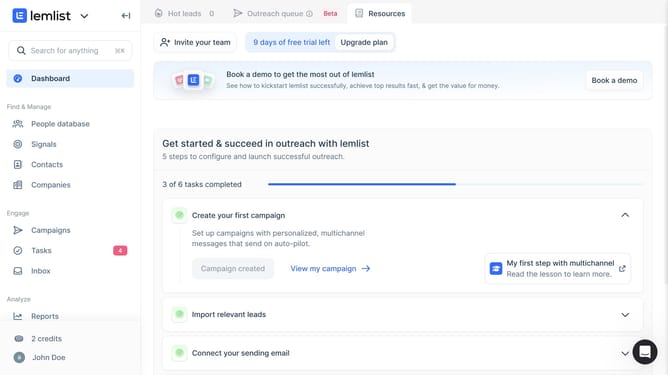
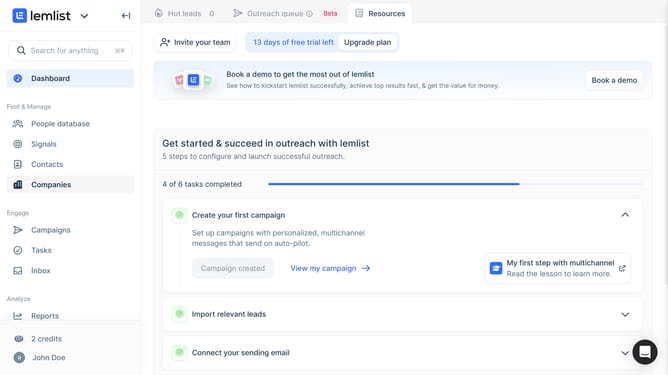
- First click on "Contacts" in the sidebar under the Find & Manage section
- Then click on the "+" button in the top navigation bar to open the create a new contact list option
- Next click on the three-dot menu button next to the contact list name that you want to duplicate
- Finally click on "Duplicate list" option from the dropdown menu
Why should you duplicate a contact list in Lemlist
Lemlist is a powerful tool designed to enhance and automate your email outreach campaigns.
Duplicating a contact list in Lemlist is a valuable feature that optimizes workflow efficiency. This feature allows users to effortlessly create backups or replicate successful campaigns without manually inputting data.
By maintaining the structure and data integrity, it saves time and ensures consistency across marketing efforts. Utilizing this feature frequently can streamline your outreach processes and make hitting campaign goals more achievable.
Last update