How to delete a tab on reports in Lemlist
Here is how to delete a tab on reports in lemlist
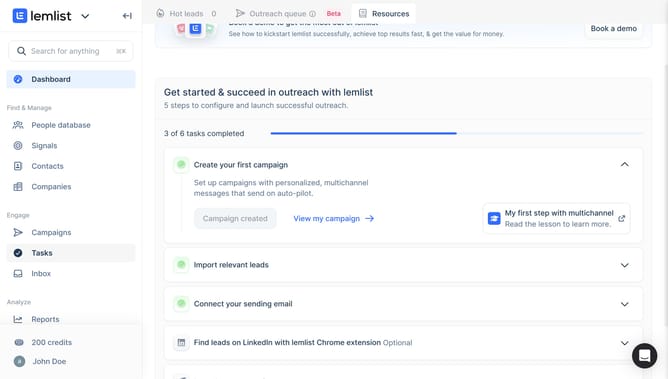
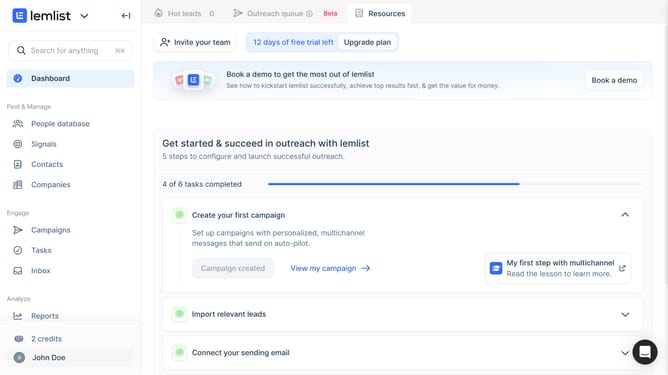
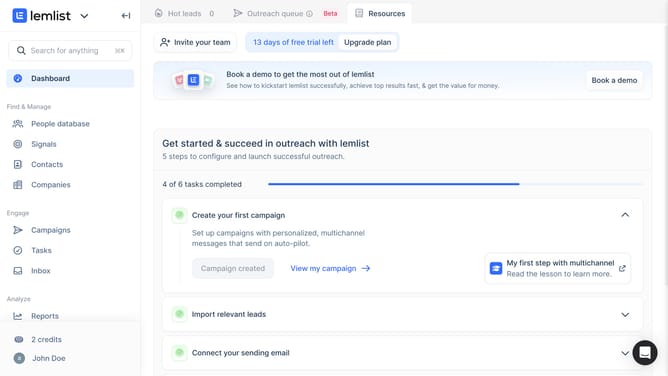
- First click on the "Reports" menu item in the left sidebar under the Analyze section
- Then click on the three-dot menu icon in the top navigation bar next to the tab you want to delete
- Next click on the "Delete tab" option from the dropdown menu
- Finally click on the "Confirm" button in the confirmation dialog to remove the dashboard
Why should you delete a tab on reports in Lemlist
Lemlist is an innovative tool designed to boost your email outreach with personalized campaigns.
One of the helpful features in Lemlist is the ability to delete a tab on reports. This feature simplifies the user experience by allowing you to remove unnecessary tabs, keeping your report dashboard tidy and focused on the data that matters most.
By streamlining your workspace, you can effortlessly navigate through essential reports, saving time and enhancing productivity.
This feature empowers you to maintain an organized and efficient reporting process, ensuring clarity in your analytics review.
Last update