How to add a lead activities overtime widget on reports in Lemlist
Here is how to add a lead activities overtime widget on reports in lemlist
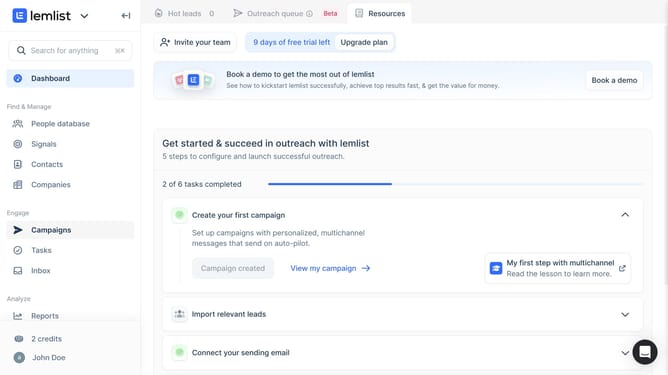
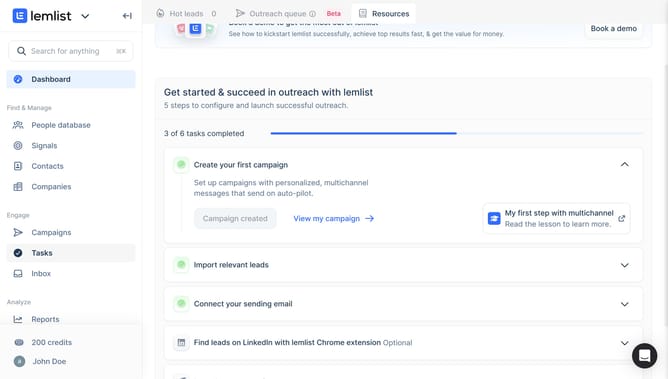
- First click on "Reports" in the sidebar under the Analyze section
- Then click on your selected report tab in the top navigation menu
- Next click on "Add widget" button
- Finally click on "Add widget" button within the "Lead activities over time" widget card
Why should you add a lead activities overtime widget on reports in Lemlist
Lemlist is a powerful tool designed to elevate your email outreach campaigns to new heights.
One of its standout features is the ability to add a lead activities overtime widget on reports. This feature allows you to visually track and analyze how your leads are engaging with your campaigns over a specific time period.
By leveraging this capability, you gain a deeper understanding of trends and patterns in lead behavior. This insight empowers you to optimize your strategies for improved engagement and more effective targeting.
Ultimately, integrating this widget into your reports helps you make data-driven decisions, enhancing overall campaign performance and success.
Last update