How to delete a column to the leads in a campaign in Lemlist
Here is how to delete a column to the leads in a campaign in lemlist
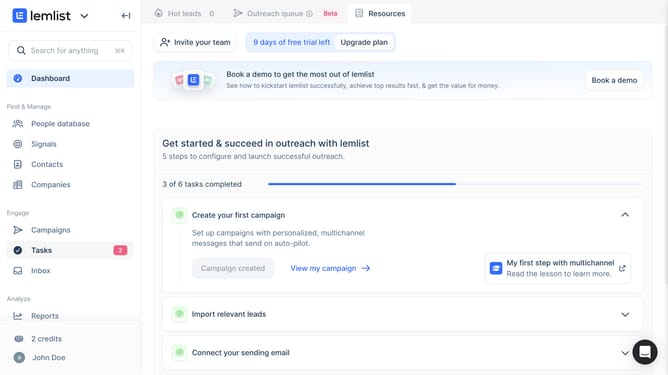
- First click on the "Campaigns" menu item in the left sidebar under the Engage section
- Then click on the "Cold Email" campaign row in the campaigns list table
- Next click on the "Lead list" tab in the top navigation bar of the campaign editor
- Then click on the column header that you want to delete in the leads table
- Finally click on the "Delete" option in the column menu dropdown
Why should you delete a column to the leads in a campaign in Lemlist
Lemlist is a dynamic platform designed to enhance your email outreach efforts effectively.
Within Lemlist, one useful feature is the ability to delete a column from your leads in a campaign. Streamlining your data by removing unnecessary columns helps maintain clarity and focus on key information.
Managing your lead data efficiently ensures your campaign targets the right prospects, leading to more productive outreach and ultimately driving successful results.
Last update