How to show all contact filter in Lemlist
Here is how to show all contact filter in lemlist
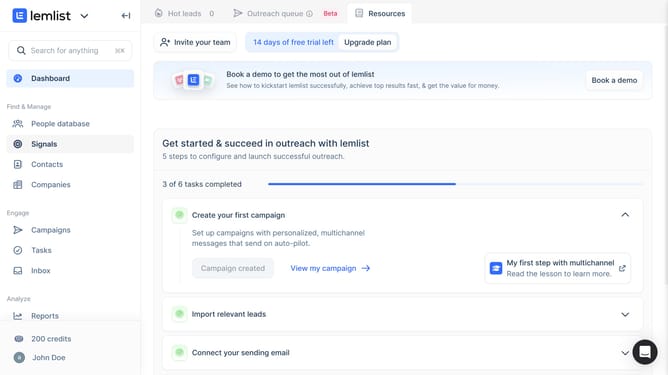
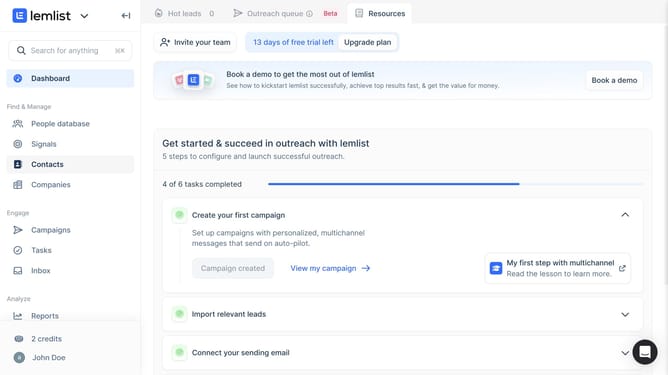
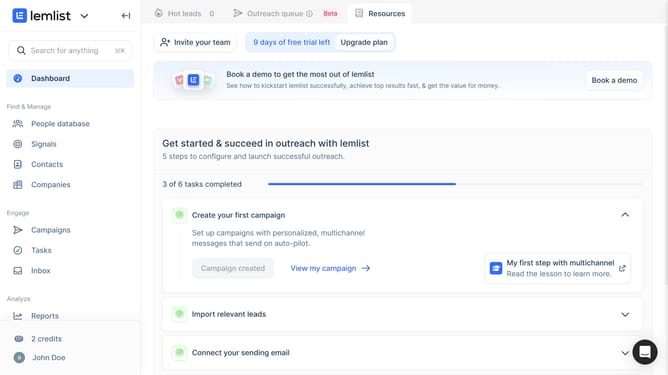
- First click on "Contacts" in the left sidebar under the Find & Manage section
- Then click on the table settings icon in the top toolbar to open column visibility options
- Then click on "Show all" button in the Table settings dialog to display all available columns
- Finally click on "Save" button to apply the column visibility changes
Why should you show all contact filter in Lemlist
Lemlist is a powerful platform designed to personalize and boost your email outreach campaigns.
The "show all contact filter" feature in Lemlist allows users to efficiently manage their contact lists by quickly displaying all available filters.
This feature is particularly useful for organizing and segmenting contacts, ensuring that outreach efforts are targeted and effective.
By utilizing this, you can streamline your workflow, saving time and increasing the precision of your email marketing strategy.
Last update