How to add a call performance by rep widget on reports in Lemlist
Here is how to add a call performance by rep widget on reports in lemlist
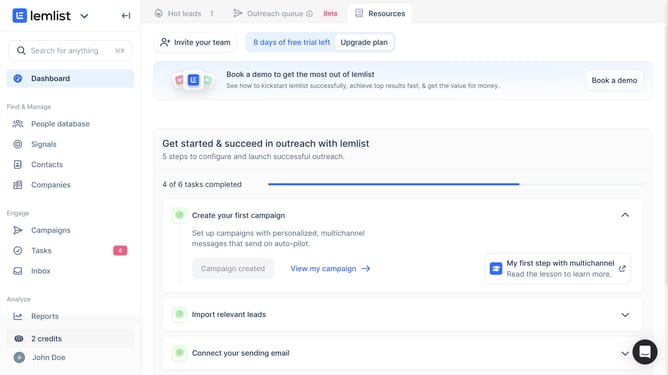
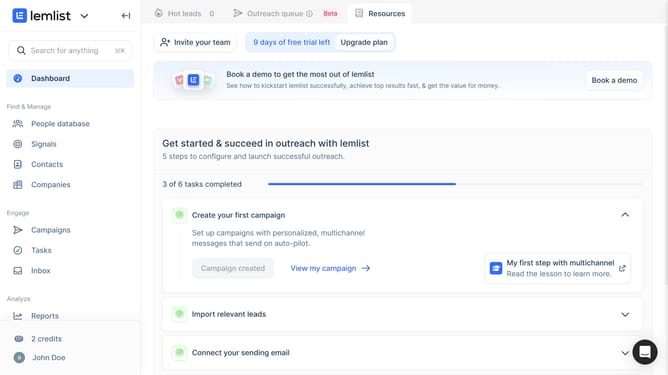
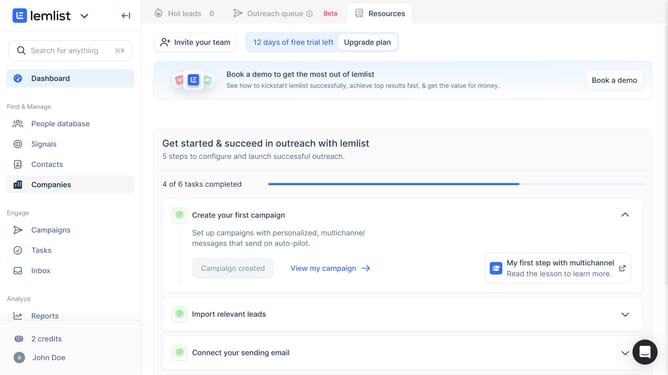
- First click on "Reports" link in the left sidebar under the Analyze section
- Then click on the tab in the top navigation bar
- Next click on "Add widget" button in the main content area
- Then select "Call performance by rep" widget from the widget selection modal
- Finally click on "Save for everyone" button in the top right corner of the page
Why should you add a call performance by rep widget on reports in Lemlist
Lemlist is an innovative platform designed to supercharge your email outreach and enhance your sales engagement.
Adding a call performance by rep widget on reports in Lemlist is an effective feature for gaining deep insights into individual team member's performance.
This widget enables managers and teams to focus on areas of improvement by examining call metrics, leading to optimized strategies and better overall communication results.
Embracing this feature means empowering your team with actionable data, driving them towards peak performance and elevating your campaign success.
Last update