How to show all columns of leads in a campaign in Lemlist
Here is how to show all columns of leads in a campaign in lemlist
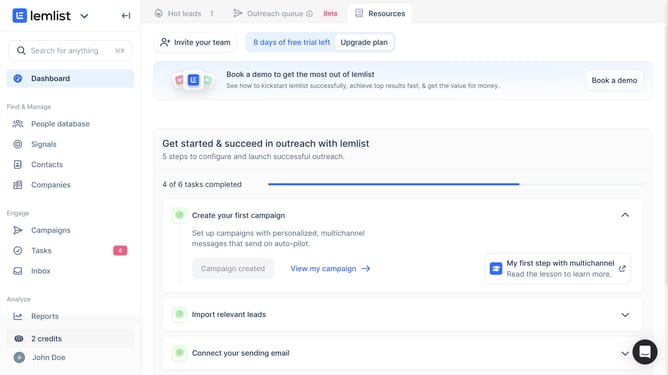
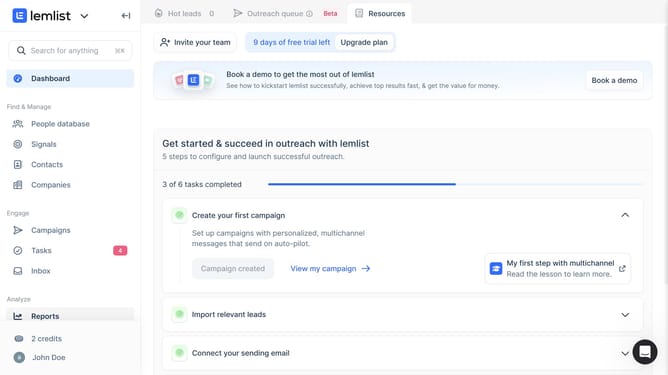
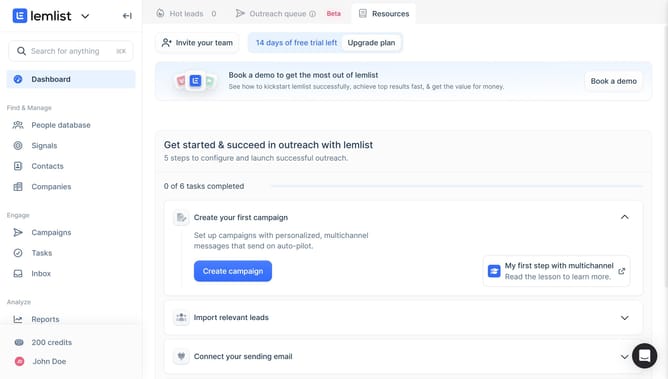
- First click on the "Campaigns" menu item in the left sidebar under the Engage section
- Then click on the campaign name in the campaigns list table
- Then click on the "Lead list" tab in the top navigation bar of the campaign editor
- Then click on the column visibility icon button in the leads table toolbar
- Then click on the "Show all" button in the table settings modal to display all available columns
- Finally click on the "Save" button to confirm the table settings changes
Why should you show all columns of leads in a campaign in Lemlist
Lemlist is a dynamic platform designed to elevate your email outreach and boost campaign engagement.
One of the key features in Lemlist allows users to view all columns of leads within a campaign, enhancing visibility into crucial data. By displaying comprehensive lead information, decision-makers can effortlessly analyze and strategize based on complete datasets.
Utilizing this feature saves time and promotes a streamlined workflow, empowering teams to focus on optimizing their outreach and achieving higher conversion rates.
Last update