How to mark an inbox message as favorite in Lemlist
Here is how to mark an inbox message as favorite in lemlist
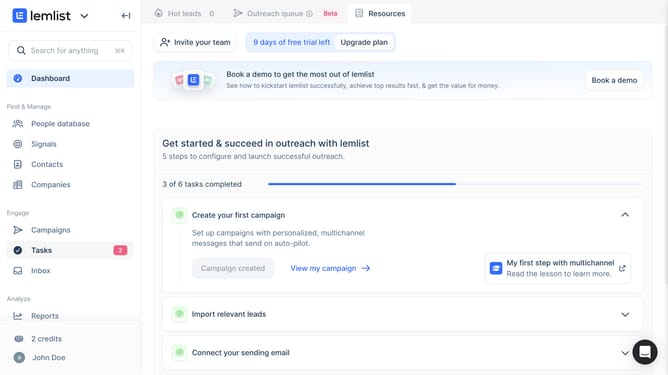
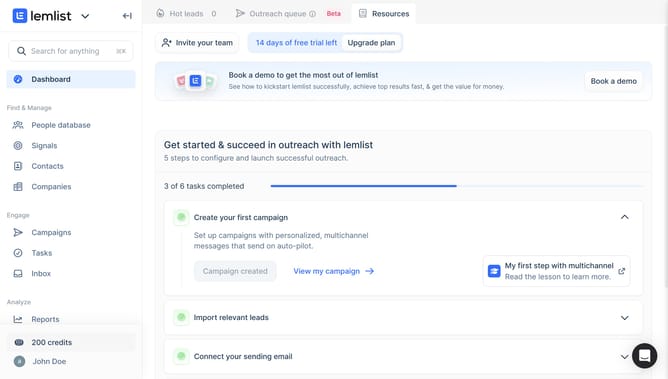
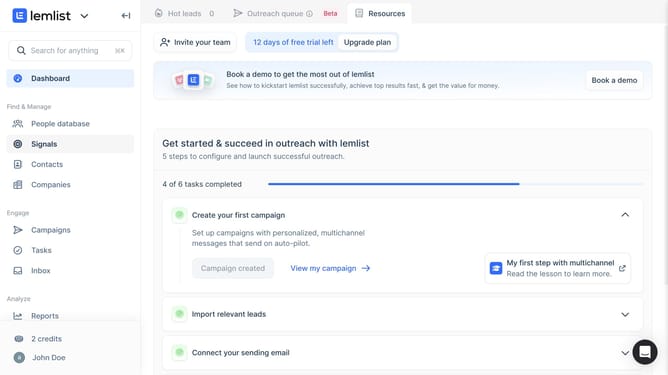
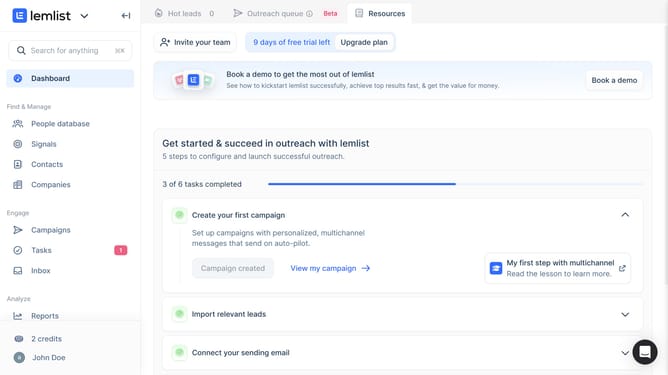
- First click on "Inbox" in the left sidebar under the Engage section
- Then click on the conversation from the conversations list to open it
- Finally click on the "Favorite" star icon in the top toolbar
Why should you mark an inbox message as favorite in Lemlist
Lemlist is a powerful tool designed to streamline and optimize your email outreach campaigns.
One standout feature of Lemlist is the ability to mark an inbox message as a favorite. This feature allows you to effortlessly manage and prioritize important messages, ensuring nothing slips through the cracks.
By marking messages as favorites, you create a curated list of essential communications, keeping important conversations at your fingertips and enhancing workflow efficiency.
This organized approach enhances productivity, allowing you to focus on what truly matters.
Last update