How to add a Boolean field for a contact in Lemlist
Here is how to add a boolean field for a contact in lemlist
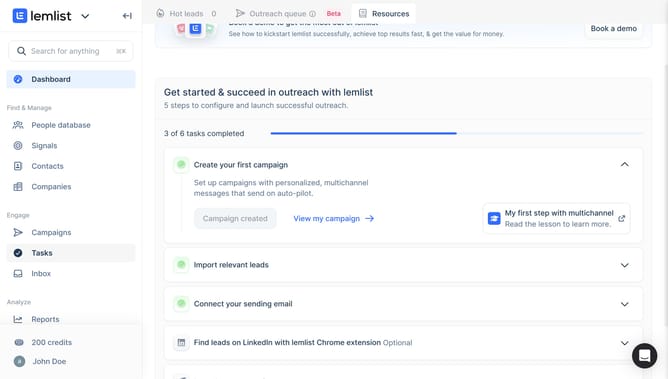
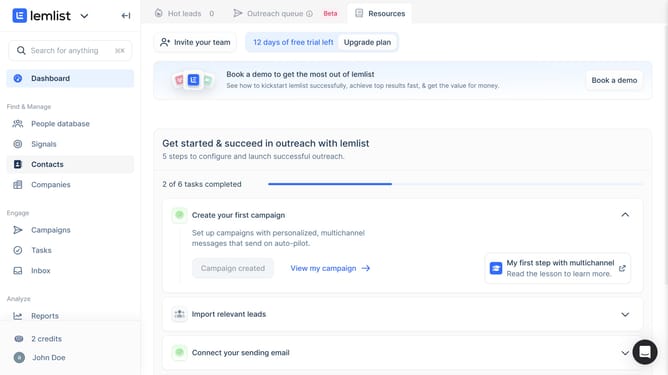
- First click on "Contacts" in the left sidebar under the Find & Manage section
- Then click on the contact name from the contacts list
- Next click on the "General" tab in the contact details panel
- Then click on the add field button or plus icon in the Contact fields section
- In the "Create contact field" dialog, click on the "Field name" input field
- Then click on the "Field type" dropdown menu to change the field type
- Select "Boolean" from the field type options
- Finally click on the "Create field" button to save the new contact field
Why should you add a Boolean field for a contact in Lemlist
Lemlist is a dynamic email outreach platform designed to enhance your engagement efforts.
Adding a Boolean field to a contact in Lemlist allows for streamlined data management by enabling simple true/false categorizations.
This feature enhances targeting precision, making your campaigns more relevant and effective.
Utilizing Boolean fields simplifies segmentation, helping you deliver personalized content, ultimately boosting engagement rates.
Last update