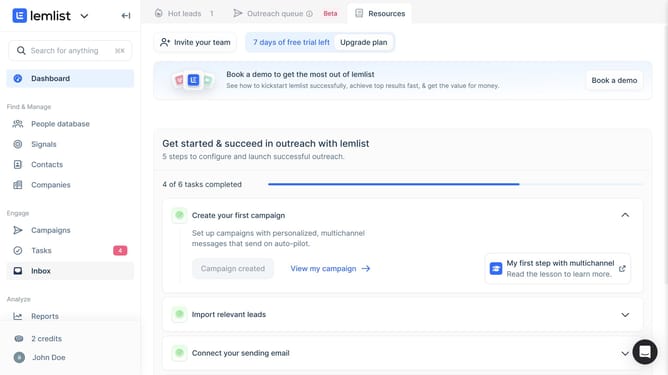
How to add a contact to a campaign in Lemlist
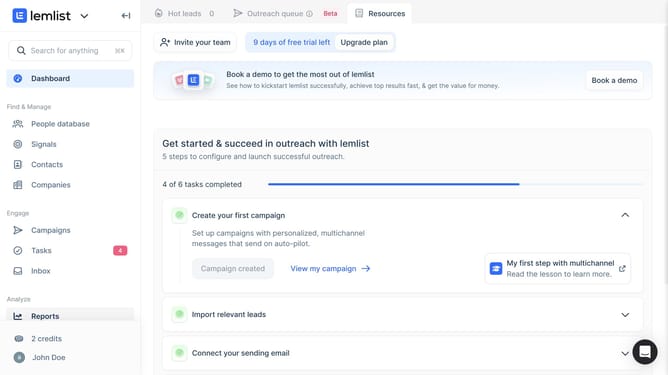
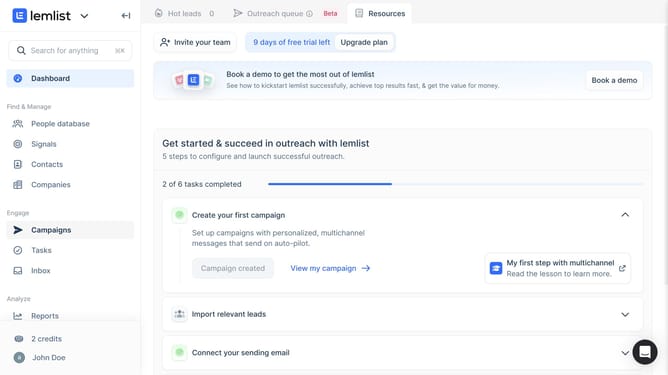
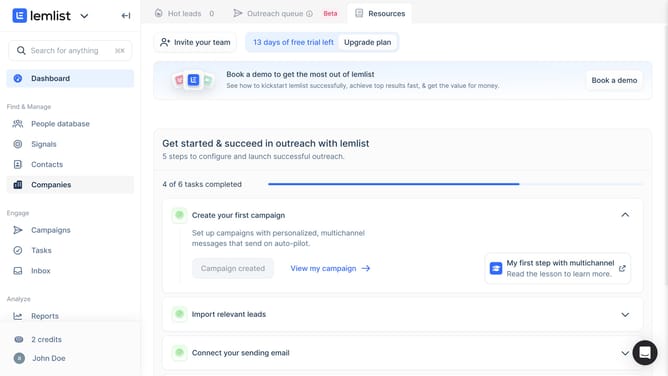
Here is how to add a contact to a campaign in lemlist
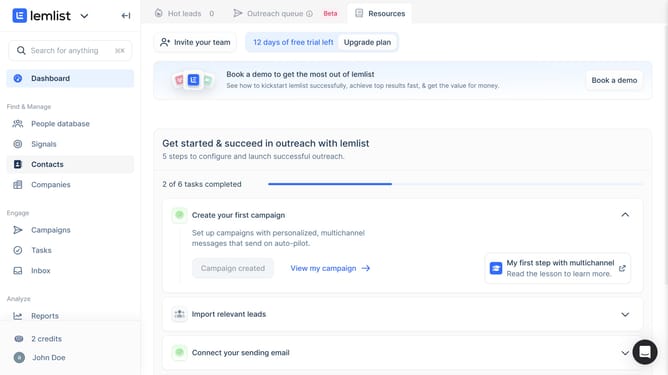
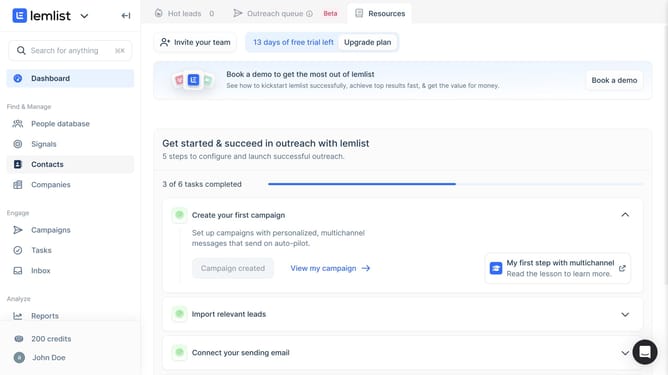
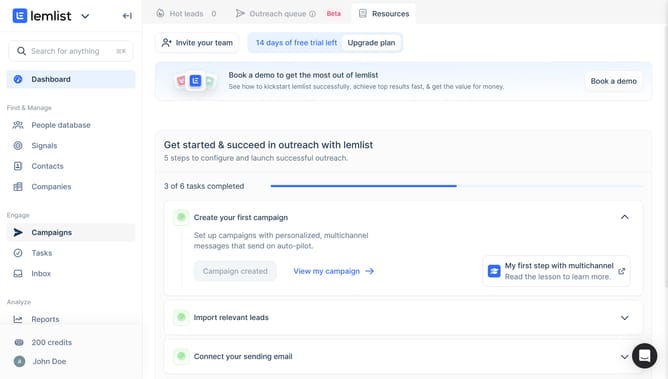
- First click on "Contacts" in the left sidebar under the Find & Manage section
- Then click on the checkbox next to the contact in the contacts list
- Next click on the "Add to campaign" button in the bottom action bar
- Then click on "Push to campaign" option from the dropdown menu that appears
- Next click on an option from the campaign selection list in the modal dialog
- Finally click on the "Push to campaign" button at the bottom right of the modal to confirm
Why should you add a contact to a campaign in Lemlist
Lemlist is a dynamic tool designed to elevate your email outreach through personalization and automation.
Adding a contact to a campaign in Lemlist streamlines your workflow by seamlessly integrating new leads into your outreach strategy. This feature ensures that each contact is carefully nurtured with tailored messages, optimizing engagement.
Utilizing this feature not only enhances efficiency but also fosters stronger connections with prospects. With ease of use at its core, it allows teams to focus on what truly matters: building meaningful relationships and driving growth.
Last update