How to pause a campaign in Lemlist
Here is how to pause a campaign in lemlist
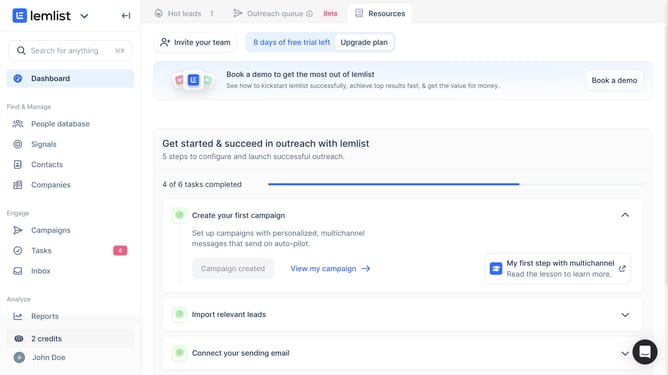
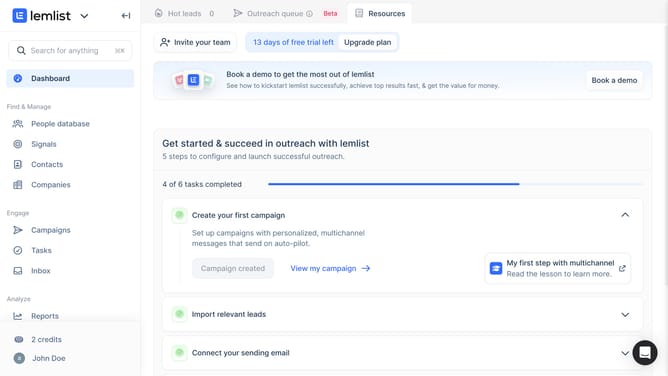
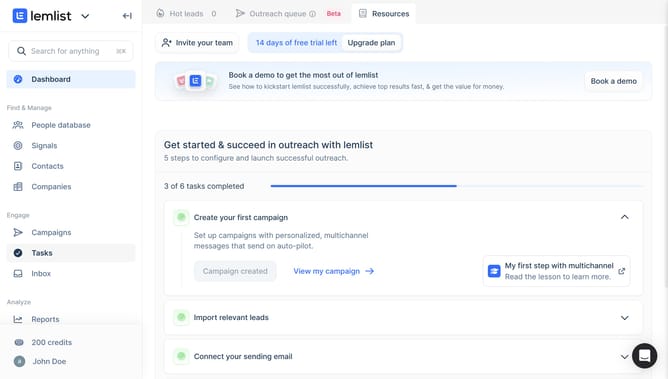
- First click on "Campaigns" item in the sidebar under the Engage section
- Then click on the checkbox next to the campaign that you want to pause in the campaigns table
- Finally click on the "Pause" button in the bottom action bar
Why should you pause a campaign in Lemlist
Lemlist is a cutting-edge email outreach platform designed to enhance personalized communication.
The ability to pause a campaign in Lemlist is a powerful feature that offers incredible flexibility. It allows users to temporarily halt their email campaigns without losing any prior progress or data.
Pausing a campaign can be critical for timing adjustments, managing unforeseen events, or aligning with strategic changes. This feature ensures your outreach remains relevant and effective, preserving the integrity of your marketing efforts.
Ultimately, it empowers users with control, optimizing engagement while maintaining efficiency and responsiveness.
Last update