How to rename a contact list in Lemlist
Here is how to rename a contact list in lemlist
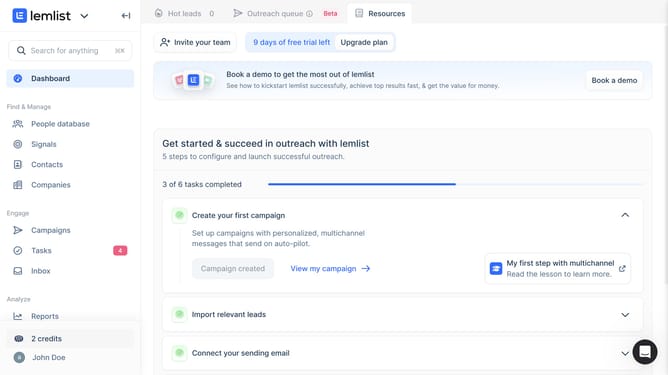
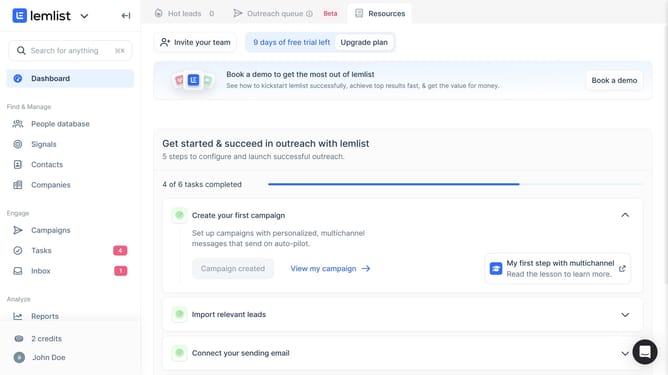
- First click on "Contacts" in the left sidebar under the Find & Manage section
- Then click on the "+" button in the top navigation bar to open the create a new contact list option
- Then click on the three-dot menu button next to the contact list that you want to rename
- Then click on "Rename list" option from the dropdown menu
- Then edit the list name in the text input field of the "List name" dialog
- Finally click on "Create contact list" button to confirm the rename
Why should you rename a contact list in Lemlist
Lemlist is an innovative platform designed to personalize email outreach and enhance campaign effectiveness.
Renaming a contact list in Lemlist provides users the flexibility to organize their campaigns with ease. This feature allows you to maintain a structured overview of your contact lists, ensuring that each list reflects its audience's purpose and content.
By having accurately named contact lists, you streamline your workflow and save valuable time when managing large volumes of data, enhancing overall campaign efficiency and success.
Last update