How to add a sending activities overtime widget on reports in Lemlist
Here is how to add a sending activities overtime widget on reports in lemlist
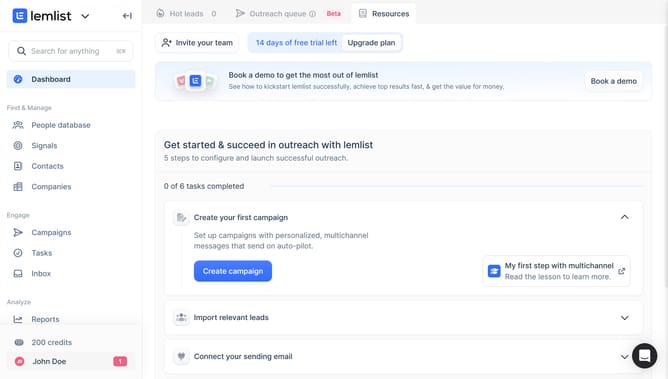
- First click on "Reports" in the left sidebar under the Analyze section
- Then click on the chosen tab in the top navigation menu
- Next click on "Add widget" button
- Finally click on "Add widget" button within the "Sending activities over time" widget card in the modal dialog
Why should you add a sending activities overtime widget on reports in Lemlist
Lemlist is a dynamic platform designed to enhance and automate your email marketing campaigns.
The "sending activities over time" widget is an invaluable feature on Lemlist that offers a comprehensive yet concise view of your emailing performance.
By adding this widget to your reports, you gain meaningful insights into when your emails are most actively engaged with, allowing you to fine-tune your strategy for maximum impact.
Utilizing this insight can empower you to improve open rates and engagement, ultimately leading to more successful outreach campaigns.
Last update