How to create a call task in Lemlist
Here is how to create a call task in lemlist
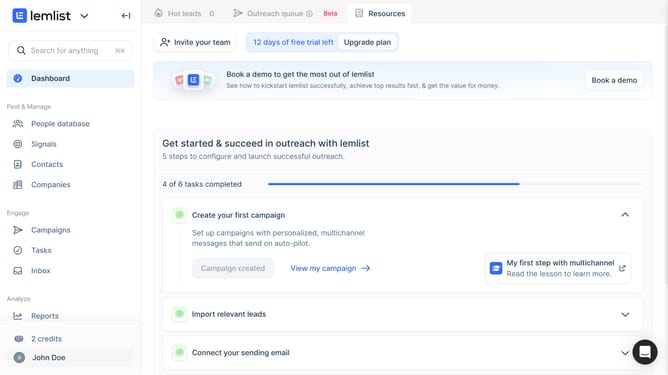
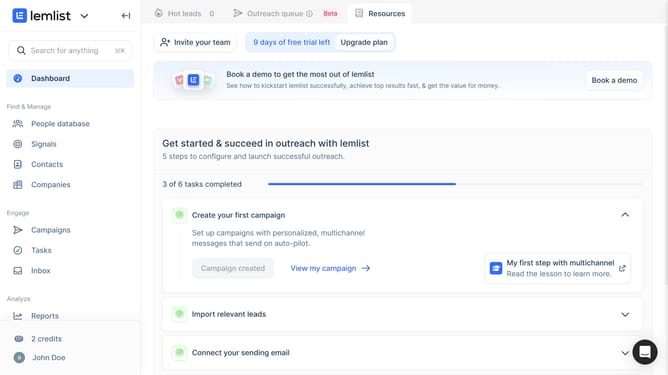
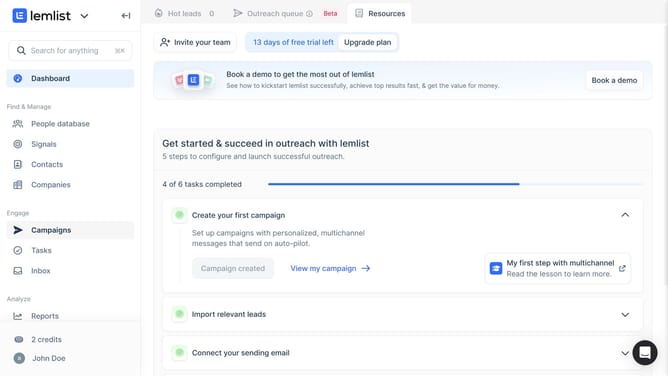
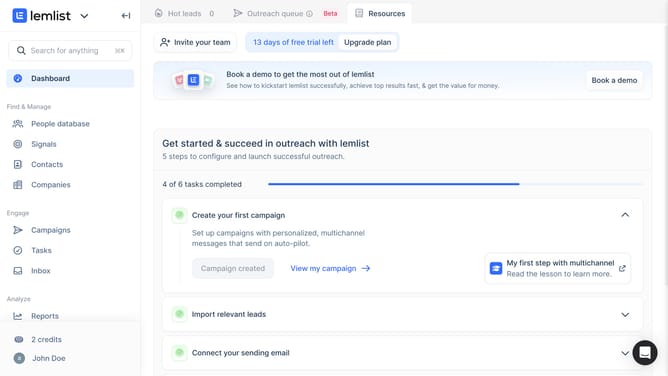
- First click on the "Tasks" menu item in the left sidebar under the Engage section
- Then click on the "Create task" button in the top right area of the main content
- Then click on the "Task type" dropdown menu to expand the task type options
- Then select "Call task" option from the task type dropdown menu
- Then click on the "Associated record" dropdown field to search for and select a contact or company
- Then select from the contacts list in the associated record dropdown
- Then click on the "Title" input field and enter the task name
- Finally click on the "Create task" button at the bottom right of the dialog to save the new task
Why should you create a call task in Lemlist
Lemlist is a dynamic platform designed to optimize sales and marketing outreach through personalized email campaigns.
One standout feature is the ability to create call tasks, which seamlessly integrates calling into your outreach sequences.
By organizing call tasks within Lemlist, you ensure timely and efficient follow-ups, improving communication with potential leads.
This feature helps in keeping your sales strategy structured and consistent, leading to higher conversion rates and better relationship management.
Last update