How to add a lead funnel overtime widget on reports in Lemlist
Here is how to add a lead funnel overtime widget on reports in lemlist
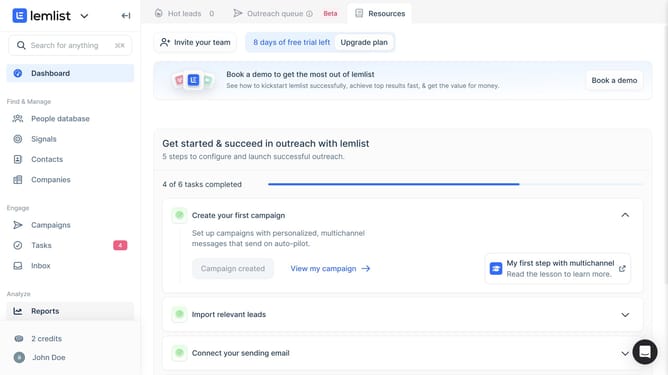
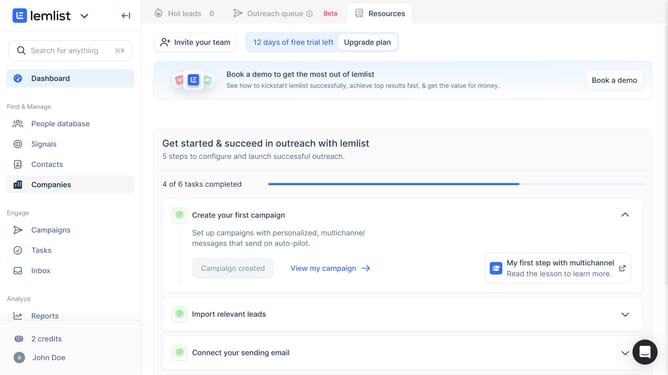
- First click on "Reports" in the left sidebar under the Analyze section
- Then click on a tab in the top navigation menu
- Next click on "Add widget" button in the content area
- Then click on "Add widget" button within the "Lead funnel over time" widget card in the modal dialog
- Finally click on "Save for everyone" button in the top right corner of the page
Why should you add a lead funnel overtime widget on reports in Lemlist
Lemlist is a comprehensive tool designed to elevate your email marketing campaigns through personalization and automation.
The lead funnel overtime widget is a feature in Lemlist reports that provides valuable insights into the progression of your leads over a specified period.
By visualizing your lead funnel, you can quickly identify trends, optimize strategies, and make informed decisions. This functionality empowers you to effectively monitor lead generation progress and enhance overall campaign performance.
Last update