How to move a contact into a list in Lemlist
Here is how to move a contact into a list in lemlist
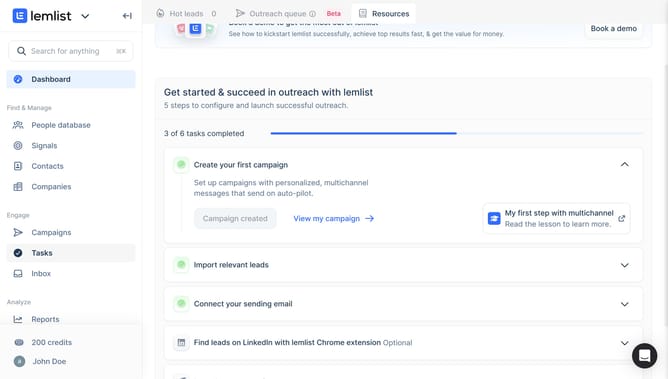
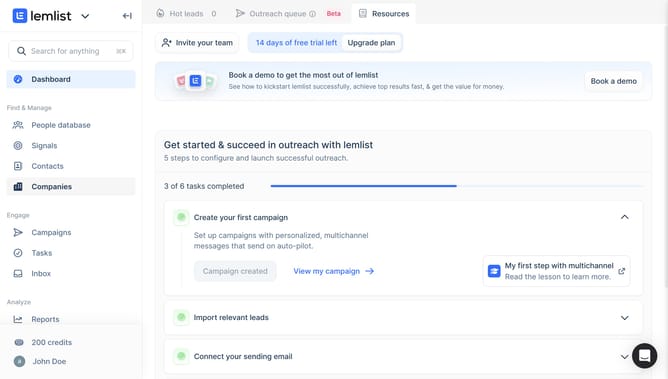
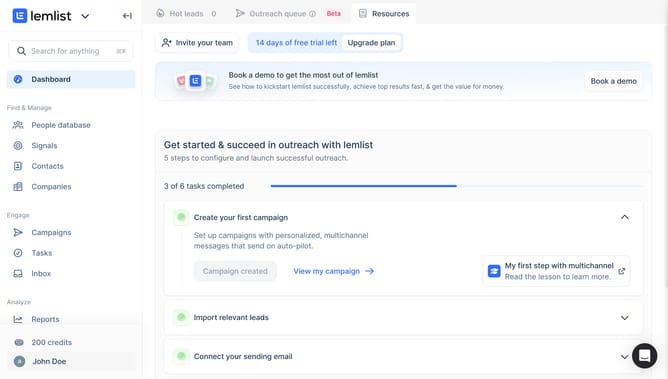
- First click on "Contacts" in the left sidebar under the Find & Manage section
- TThen click on the checkbox next to a contact row to select it
- Next click on the "Add to list" button in the bottom action bar
- Finally select from the list selection dropdown menu
Why should you move a contact into a list in Lemlist
Lemlist is a powerful tool designed to elevate your email outreach by personalizing at scale.
One of the vital features in Lemlist is moving a contact into a list, which streamlines managing your outreach efforts effortlessly.
By organizing contacts into lists, users can target specific groups based on criteria such as campaign goals, audience segments, or market specifics.
This feature enhances productivity, ensuring you can focus your efforts where they matter most, ultimately leading to improved engagement and conversion rates.
Last update