How to add lead funnel by date widget on reports in Lemlist
Here is how to add lead funnel by date widget on reports in lemlist
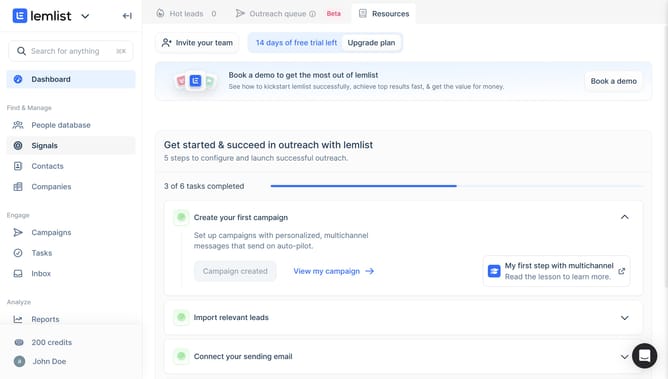
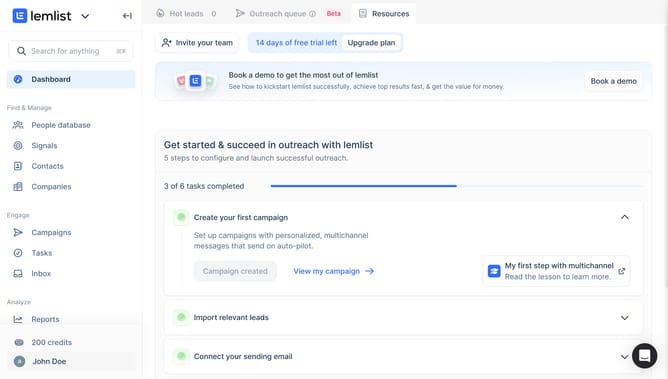
- First click on "Reports" in the left sidebar under the Analyze section
- Then click on a tab in the top navigation menu
- Next click on "Add widget" button in the content area
- Then click on "Add widget" button within the "Lead funnel by date" widget card in the modal dialog
- Finally click on "Save for everyone" button in the top right corner of the page
Why should you add lead funnel by date widget on reports in Lemlist
Lemlist is a dynamic email automation tool designed to enhance your sales outreach.
Add a lead funnel by date widget on reports in Lemlist to gain crystal-clear insights into your lead engagement.
This feature allows you to visually track the progress of your leads over specific periods, helping you identify trends and optimize future campaigns.
Utilizing this widget enhances strategic planning by offering a straightforward overview of lead conversion rates, ultimately boosting the efficiency of your sales processes.
Last update