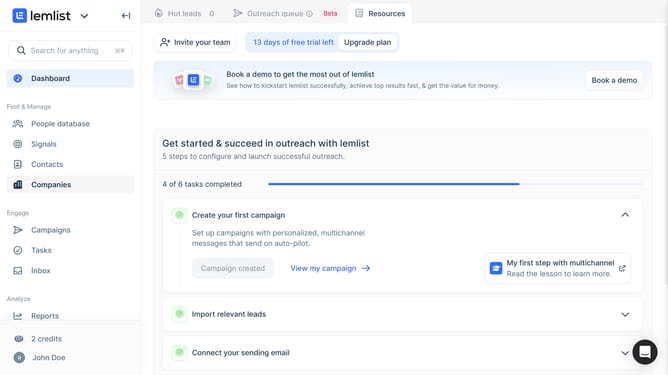
How to manage email notification in Lemlist
Here is how to manage email notification in lemlist
- First click on the profile in the bottom left sidebar
- Then click on the "Settings" option in the dropdown menu
- Next click on the "Notifications" option in the left sidebar under Account settings
- Finally toggle the switch under the the columns in the Email notifications section to set up notifications
Why should you manage email notification in Lemlist
Lemlist is a dynamic email marketing platform designed to personalize your outreach and maximize your campaign engagement.
Within Lemlist, managing email notifications is a feature that enhances your focus by letting you control when and what type of updates you receive.
This level of control helps streamline communication and keeps your inbox clutter-free, allowing you to prioritize the most critical tasks.
Utilizing this feature means staying effortlessly updated, ensuring you're always in the loop without being overwhelmed.
Last update