How to update the meeting link URL in Lemlist
Here is how to update the meeting link url in lemlist
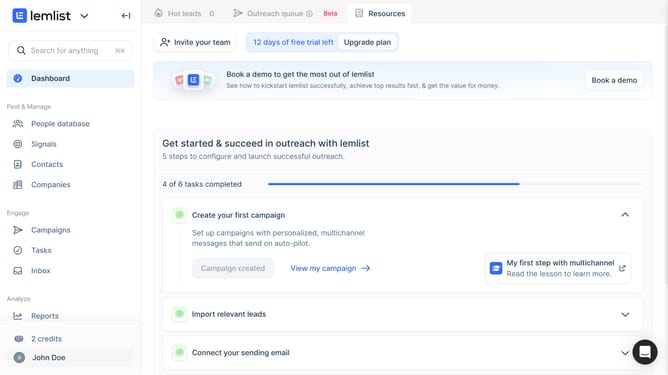
- First click on your profile in the bottom left sidebar
- Then click on the "Settings" option in the dropdown menu
- Next click on the "Meeting link URL" input field in the Account settings section and enter your link
- Finally click anywhere outside the link field to save input
Why should you update the meeting link URL in Lemlist
Lemlist is a powerful tool designed to personalize email outreach and boost engagement.
Updating the meeting link URL in Lemlist allows you to seamlessly align your calendar schedules with your email campaigns.
This feature ensures that your recipients always have the most accurate and up-to-date information, fostering smoother communications and reducing no-shows for appointments.
By simplifying the management of meeting links, you enhance professionalism and efficiency in your email interactions.
Last update