How to save campaign as a template in Lemlist
Here is how to save campaign as a template in lemlist
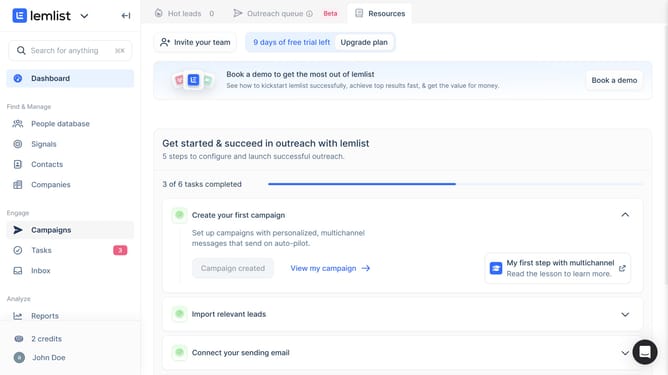
- First click on the "Campaigns" menu item in the left sidebar under the Engage section
- Then click on the three-dot menu button in the Actions column for the campaign that you want to save as a template
- Next click on the "Save campaign as template" option from the dropdown menu
- Then click on the "Template name" input field and enter a name for the template
- Finally click on the "Create template" button at the bottom of the dialog
Why should you save campaign as a template in Lemlist
Lemlist is a dynamic tool designed to enhance your email outreach campaigns with personalization and automation.
One standout feature is the ability to save campaigns as templates. This feature allows you to efficiently replicate successful campaigns without starting from scratch each time.
By saving campaigns as templates, you ensure consistency in your messaging, saving both time and effort while maintaining your unique brand voice. It is particularly beneficial for teams seeking to streamline their workflow, allowing more focus on crafting compelling content.
Templates pave the way for scalable, efficient outreach, enabling you to quickly adapt to new opportunities while preserving the integrity of your initial winning formula.
Last update