How to add email signature in Lemlist
Here is how to add email signature in lemlist
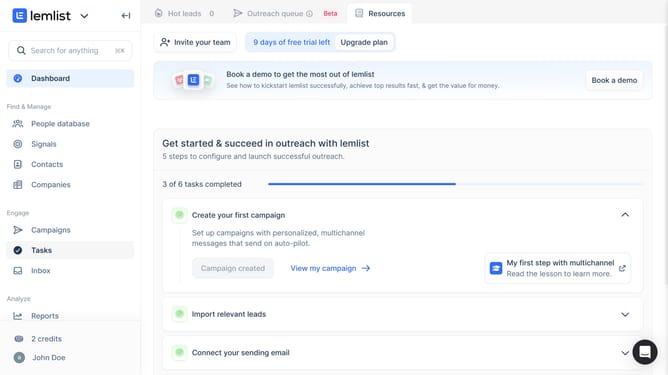
- First click on the profile button in the bottom left sidebar to open the account menu
- Then click on the "Settings" option in the dropdown menu that appears
- Next click on the "Sending settings" option in the left sidebar under Account settings
- Then click on the "Email" section to expand the email configuration options
- Next click in the email signature text field to begin entering your signature
- Finally click on the "Save" button to save your email signature settings
Why should you add email signature in Lemlist
Lemlist is an innovative email outreach platform designed to personalize your email campaigns with ease.
Adding an email signature in Lemlist enhances your professional image and ensures your messages are memorable. It provides vital contact information and can cleverly showcase your brand's identity.
Using email signatures not only standardizes communication but also solidifies your credibility in the eyes of your recipients. It's a simple yet powerful way to make a lasting impression.
Last update