How to create a LinkedIn task in Lemlist
Here is how to create a linkedin task in lemlist
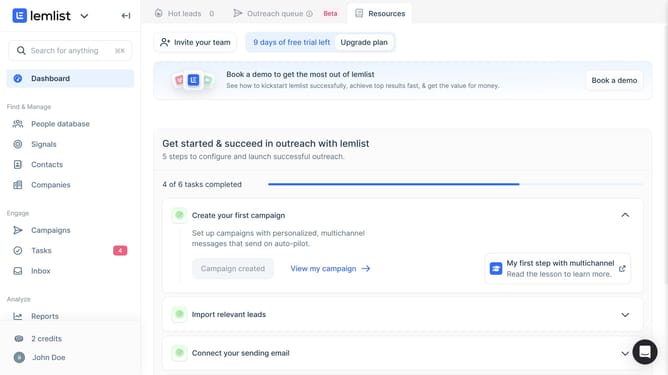
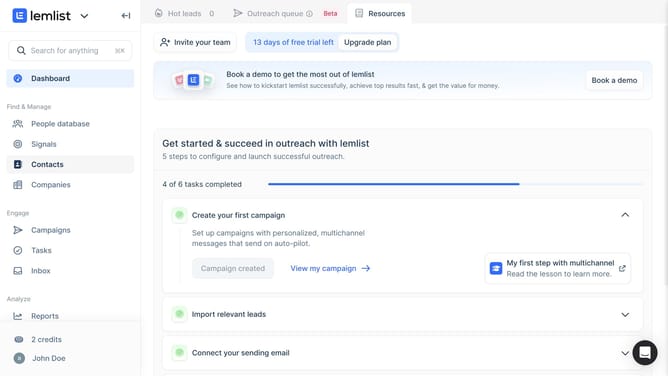
- First click on the "Tasks" menu item in the left sidebar under the Engage section
- Then click on the "Create task" button in the top right area of the main content section
- Then click on the "Task type" dropdown menu in the Create new task dialog
- Then select "LinkedIn task" option from the task type dropdown menu
- Then click on the "Associated record" dropdown field to search for a contact or company
- Then select from the contacts list in the Associated record dropdown
- Then click on the "Title" input field to enter the task name
- Finally click on the "Create task" button at the bottom right of the dialog to save the new task
Why should you create a LinkedIn task in Lemlist
Lemlist is a powerful tool designed to turbocharge your outreach campaigns with personalized and automated emails.
Creating a LinkedIn task in Lemlist seamlessly integrates your social media outreach with your email campaigns, ensuring that all communication remains synchronized and effective.
Leveraging this feature optimizes your workflows, saves time and enhances connection making. By maintaining engagement across multiple platforms, you can create a unified strategy to nurture leads effortlessly and drive better results.
Last update