How to edit contact status in Lemlist
Here is how to edit contact status in lemlist
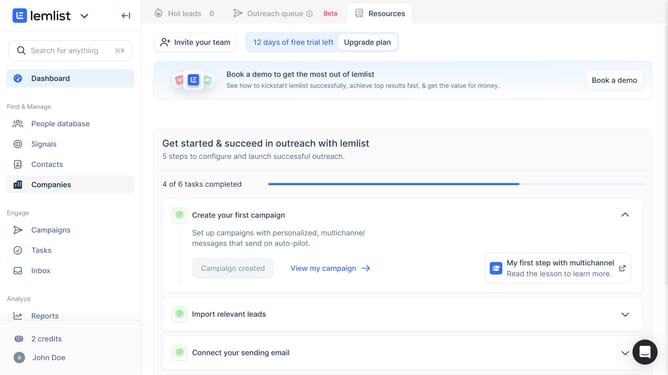
- First click on "Contacts" in the left sidebar under the Find & Manage section
- Then click on the checkbox next to the contact to select it
- Next click on the "More" button in the bottom action bar
- Then click on "Contact status" option from the dropdown menu
- Finally select a status from the contact status options
Why should you edit contact status in Lemlist
Lemlist is a dynamic platform designed to elevate your email outreach with powerful personalization capabilities.
The ability to edit contact status in Lemlist delivers flexibility and control over your campaigns. It allows you to manage the flow of your communication more efficiently, ensuring that your contacts receive messages tailored to their current engagement stage.
This feature not only streamlines your campaign management but also improves overall engagement by sending relevant follow-ups. Ultimately, editing contact status in Lemlist enhances your outreach effectiveness and fosters stronger connections.
Last update