How to sort contact's full name alphabetically in Lemlist
Here is how to sort contact's full name alphabetically in lemlist
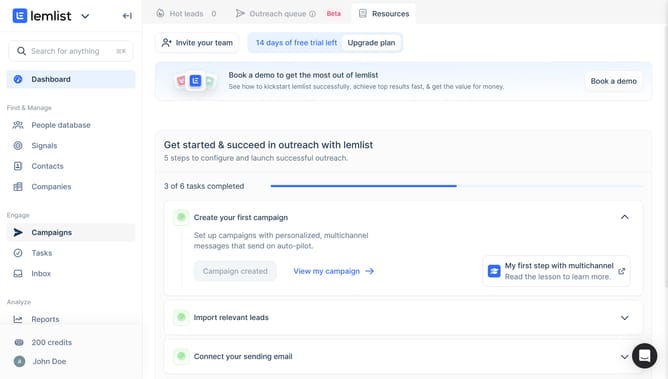
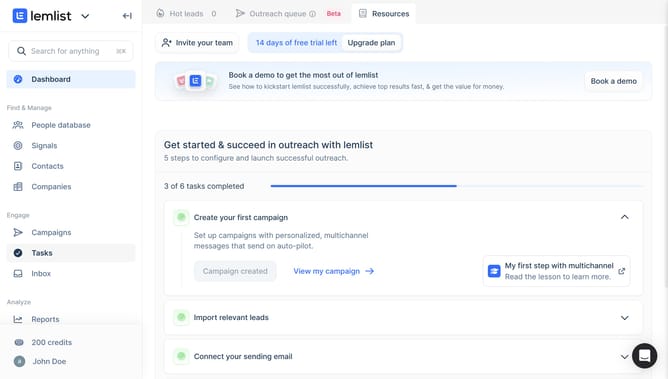
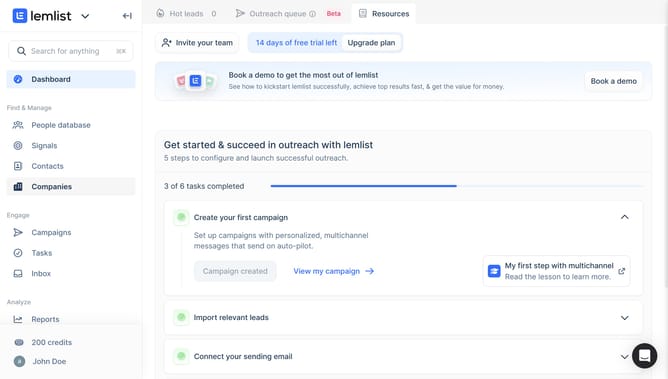
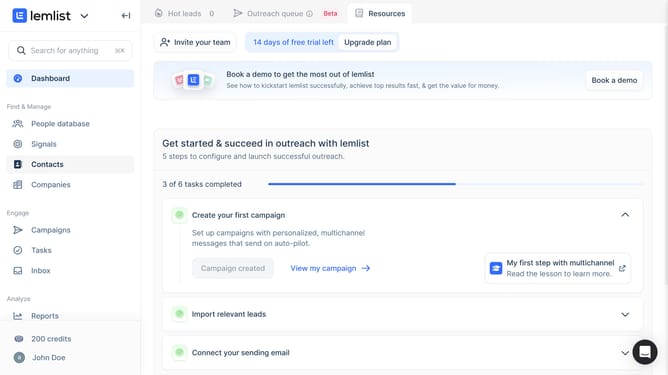
- First click on "Contacts" in the left sidebar under the Find & Manage section
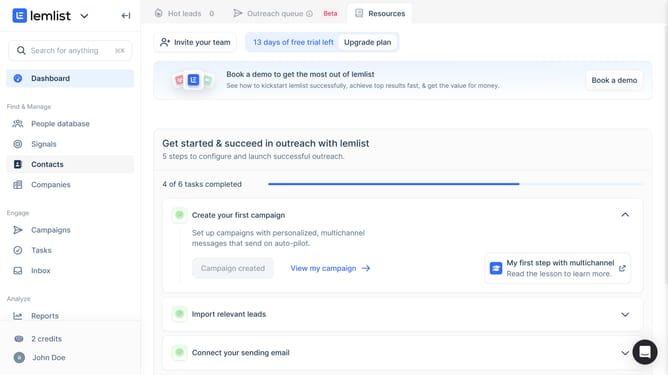
- Then click on the checkbox in the table header to select all contacts
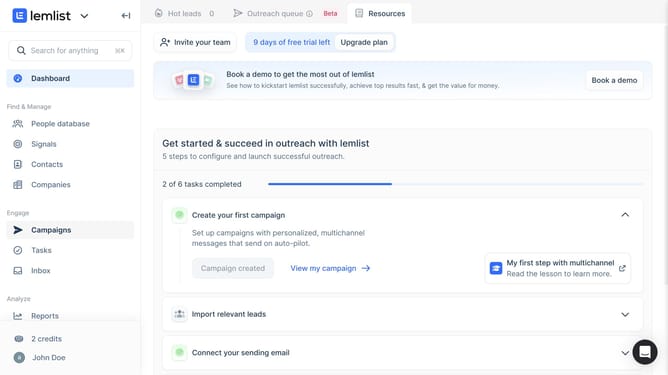
- Finally click on the "Email" column header to sort or interact with email data
Why should you sort contact's full name alphabetically in Lemlist
Lemlist is a powerful tool designed to optimize your email campaigns with personalized outreach.
Sorting contacts by full name alphabetically in Lemlist is a straightforward feature that enhances your organizational flow. By arranging contacts in a systematic order, you can effortlessly locate and reference specific individuals within large databases.
This feature is particularly beneficial for streamlining communication processes, ensuring that follow-ups and targeted messages are sent out efficiently and accurately. With an organized contact list, managing outreach becomes less daunting and more effective.
Last update