How to rename a campaign in Lemlist
Here is how to rename a campaign in lemlist
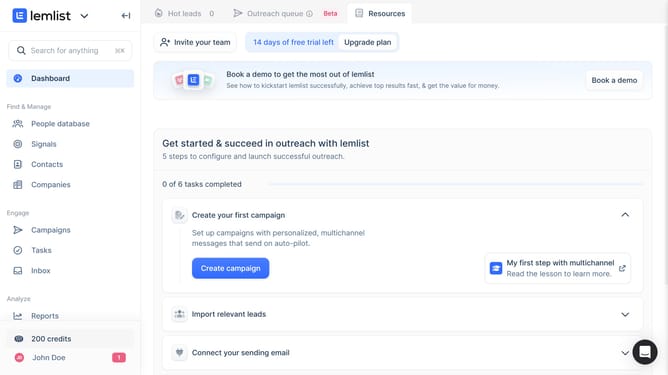
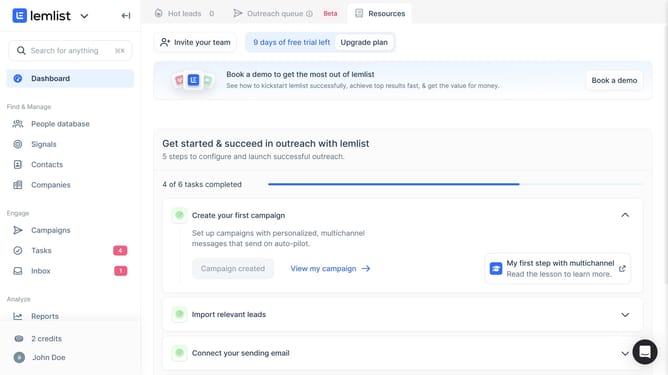
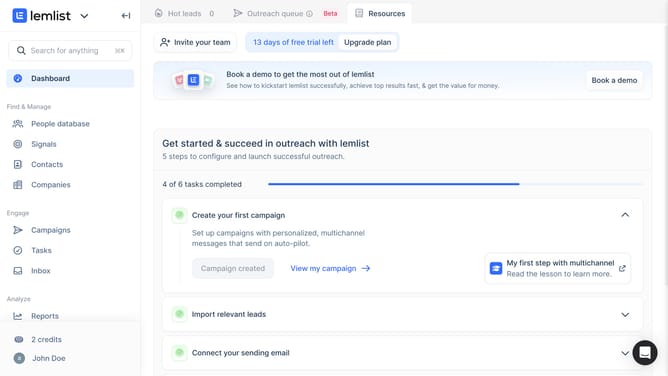
- First click on "Campaigns" in the left sidebar under the Engage section
- Then click on the campaign name that you want to rename in the campaigns list
- Next click on the campaign name field at the top of the page to edit it
- Finally click anywhere outside the name box to save changes
Why should you rename a campaign in Lemlist
Lemlist is a cutting-edge platform designed to personalize and automate your email outreach campaigns efficiently.
The ability to rename a campaign in Lemlist is a straightforward yet powerful feature that provides users with incredible flexibility and organization. It allows you to keep your campaigns neatly categorized and easily accessible.
By renaming campaigns, you enhance your workflow, making it effortless to track and modify ongoing or completed campaigns. This ensures that your email marketing efforts remain streamlined and productive.
Last update