How to unmark a campaign as a favorite in Lemlist
Here is how to unmark a campaign as a favorite in lemlist
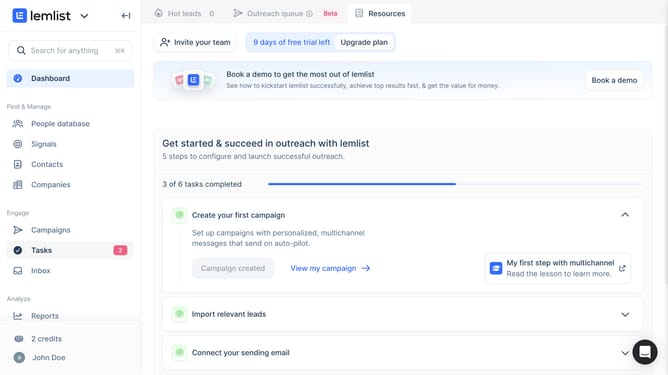
- First click on "Campaigns" in the left sidebar under the Engage section
- Then click on the campaign name in the Campaign Name column
- Finally click on the star icon in the top toolbar to unmark the campaign as favorite
Why should you unmark a campaign as a favorite in Lemlist
Lemlist is a dynamic platform designed to supercharge your email campaigns with personalized outreach and automation tools.
The feature to unmark a campaign as a favorite in Lemlist streamlines your workspace by helping you prioritize active projects. When preferences change, this flexibility ensures your dashboard remains organized and focused on current needs.
Utilizing this feature enhances workflow efficiency, allowing users to quickly adjust and align resources with evolving goals, ensuring sustained productivity and clarity.
Last update