How to create an email task in Lemlist
Here is how to create an email task in lemlist
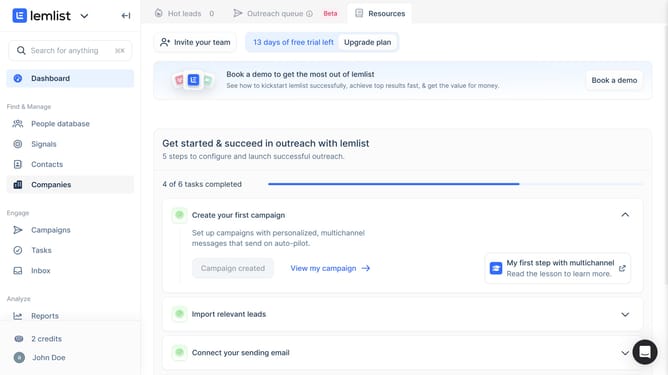
- First click on "Tasks" in the left sidebar under the Engage section
- Then click on "Create task" button in the top right area of the main content
- Then click on the "Task type" dropdown menu to expand task type options
- Then select "Email task" from the task type dropdown menu
- Then click on the "Associated record" dropdown field to search for a contact
- Then select a contact from the associated record dropdown list
- Then click on the "Title" input field and enter the task name
- Finally click on "Create task" button at the bottom right of the dialog to save the task
Why should you create an email task in Lemlist
Lemlist is a dynamic platform designed to supercharge your email outreach and boost engagement.
Creating an email task in Lemlist is quick and intuitive, enabling personalized and automated campaigns. By utilizing this feature, users can significantly streamline their workflows, making follow-ups and client communication seamless.
The benefit of using email tasks lies in enhanced organization and efficiency. It ensures that every email is timely and hyper-relevant, allowing marketers to focus on strategy while Lemlist handles the execution.
Last update