How to filter reports by campaign in Lemlist
Here is how to filter reports by campaign in lemlist
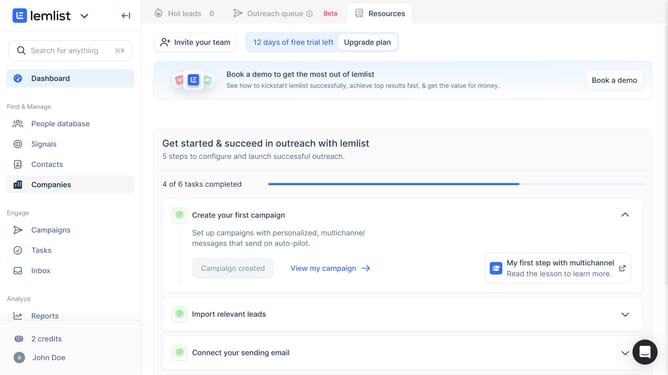
- First click on "Reports" in the left sidebar under the Analyze section
- Then click on the tab in the top navigation menu
- Next click on the "All Campaigns" dropdown filter in the top filter bar
- Then select the checkbox of the campaign from the dropdown menu
- Finally click on the "Save for everyone" button in the top right corner
Why should you filter reports by campaign in Lemlist
Lemlist is a dynamic platform designed to enhance your email marketing by automating and personalizing outreach efforts.
The ability to filter reports by campaign in Lemlist is a powerful feature that helps streamline your analytics.
By isolating data specific to each campaign, you can gain clearer insights into performance metrics and adjust your strategies accordingly.
This precise filtering allows for targeted improvements, ensuring your campaigns are always optimized for greater success.
Last update