How to mark a campaign as a favorite in Lemlist
Here is how to mark a campaign as a favorite in lemlist
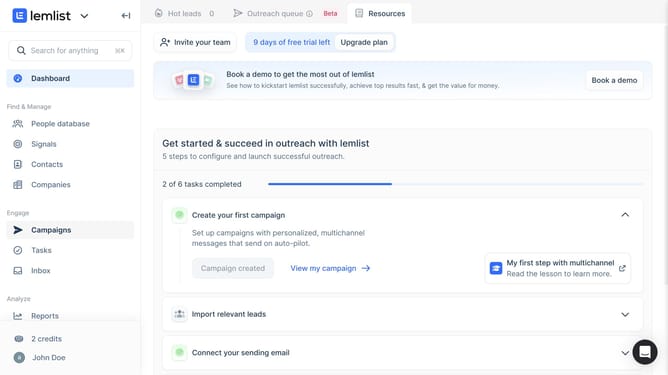
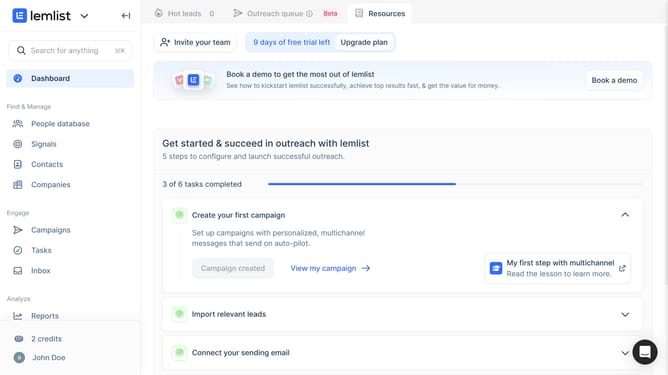
- First click on "Campaigns" in the sidebar under the Engage section
- Then click on the checkbox for the campaign that you want to mark as a favorite in the campaigns table
- Finally click on the "Mark as favorite" star icon for the selected campaign
Why should you mark a campaign as a favorite in Lemlist
Lemlist is a dynamic platform designed to elevate your email outreach.
Marking a campaign as a favorite in Lemlist streamlines your workflow by keeping your most important campaigns readily accessible.
This feature enhances productivity, saving you time that can be better spent on engagement strategies.
By organizing your campaigns effectively, the favorite feature ensures you never lose track of vital efforts, maximizing your outreach efficiency.
Last update