How to change the reporting period of call activity volume in Lemlist
Here is how to change the reporting period of call activity volume in lemlist
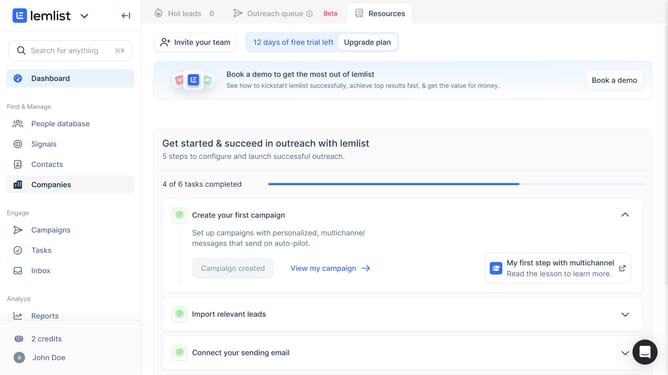
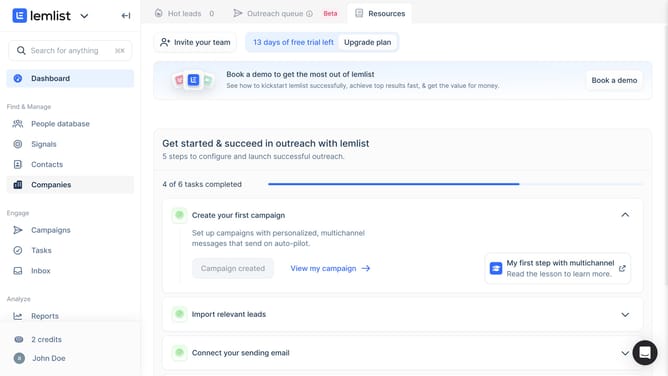
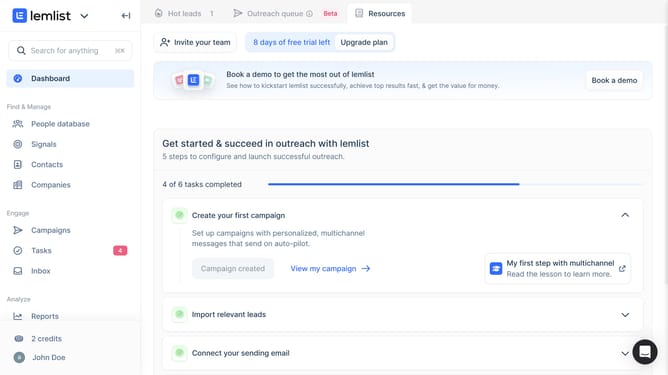
- First click on "Reports" link in the left sidebar under the Analyze section
- Then click on a tab in the top navigation menu
- Then click on the period dropdown in the Call activity volume widget
- Then select option from the time period dropdown menu
- Finally click on "Save for everyone" button in the top right corner
Why should you change the reporting period of call activity volume in Lemlist
Lemlist empowers businesses with personalized email campaigns and call tracking, boosting sales engagement like never before.
One of Lemlist's standout features is the ability to customize the reporting period for call activity volume. This flexibility allows users to align reports with specific campaign timelines or monthly meetings, ensuring data is relevant and actionable.
By adjusting the reporting period, users can refine their insights, identify trends, and optimize strategies. This tailored approach enhances decision-making, making Lemlist an indispensable tool for performance-driven teams.
Last update