How to filter reports by platform of sending activities over time in Lemlist
Here is how to filter reports by platform of sending activities over time in lemlist
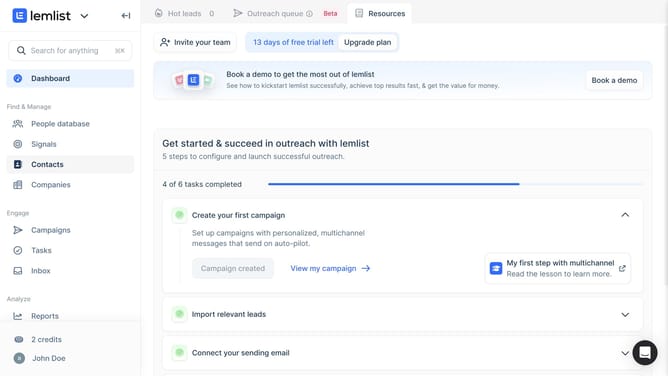
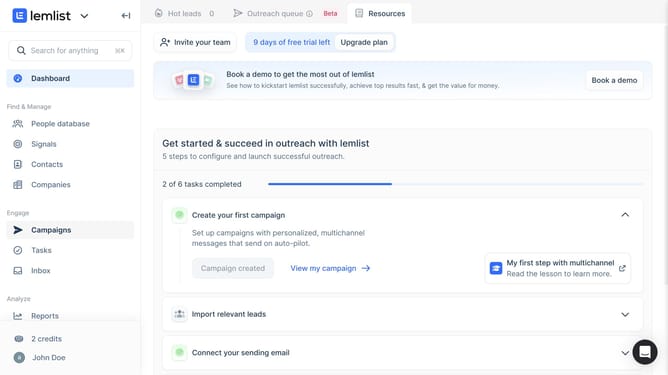
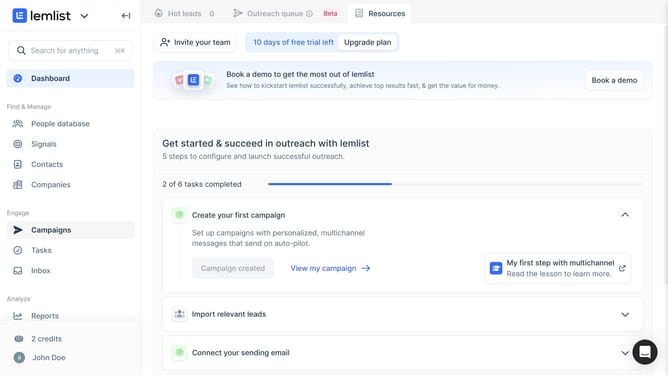
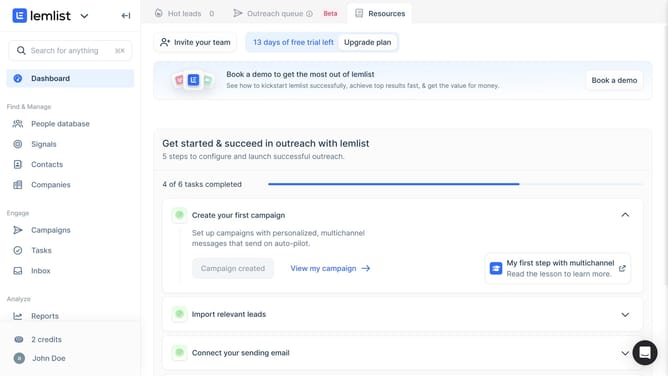
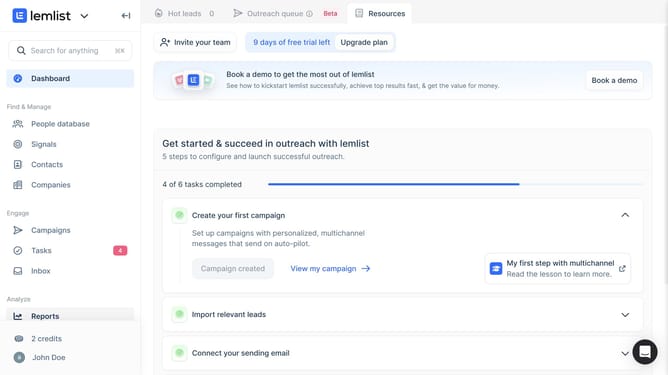
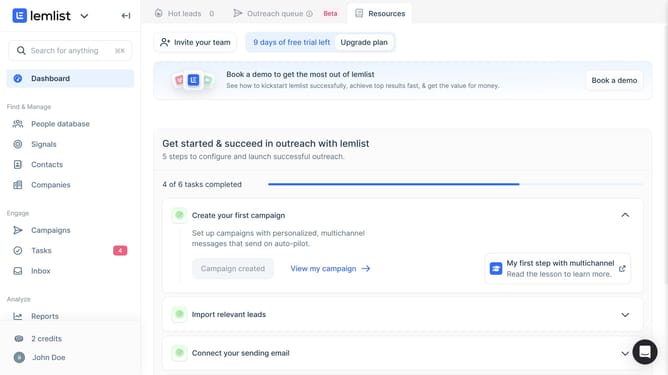
- First click on "Reports" in the left sidebar under the Analyze section
- Then click on the tab in the top navigation menu
- Next click on the dropdown filter in the Sending activities widget
- Then select checkbox from the dropdown menu
- Finally click on the "Save for everyone" button in the top right corner
Why should you filter reports by platform of sending activities over time in Lemlist
Lemlist is a dynamic email marketing platform designed to elevate your outreach strategies with personalized campaigns.
With Lemlist's feature to filter reports by platform of sending activities over time, you gain laser-focused insights into how each platform performs. This allows for more strategic decision-making by highlighting which channels are most effective over specific periods.
Utilizing this feature improves campaign refinement and resource allocation, ensuring your outreach efforts are as impactful and efficient as possible.
Last update