How to add email on a contact in Lemlist
Here is how to add email on a contact in lemlist
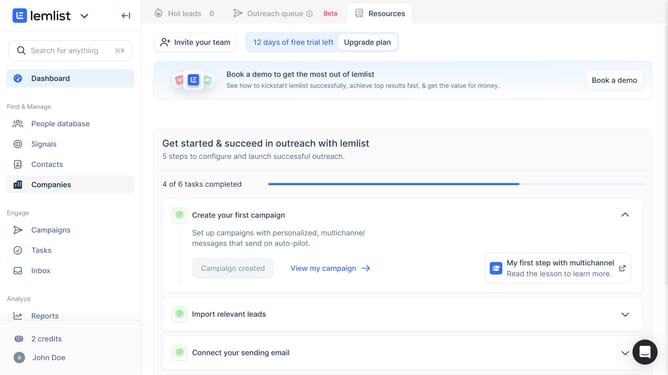
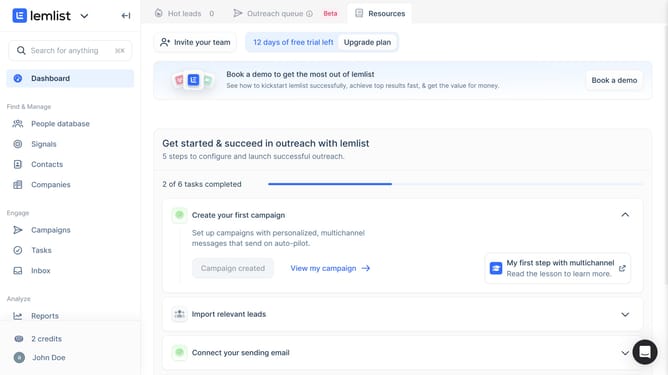
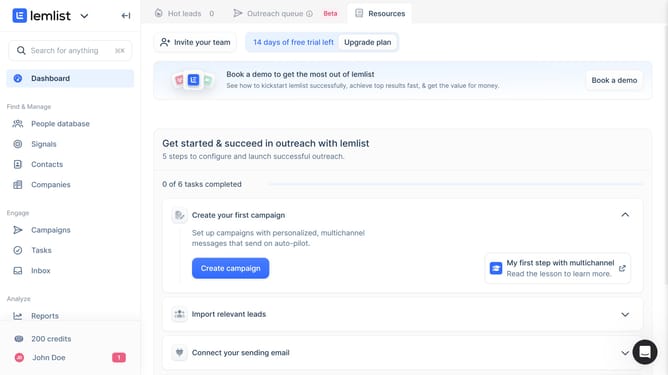
- First click on the "Contacts" menu item in the left sidebar
- Then click on the contact from the contacts list by clicking the contact name to show options
- Then click on the "Add email" button in the contact details panel under the Emails section
- Then type the email address in the new email field
- Then click anywhere on the screen to save changes
- Finally click on the "Show all" button to expand the contact information section and see the added email
Why should you add email on a contact in Lemlist
Lemlist is a powerful platform designed to optimize your email outreach and engagement.
Incorporating an email on a contact in Lemlist is a seamless process that boosts communication efficiency. This feature allows for centralized management of your contact information, ensuring all email correspondence is organized and easily accessible.
Utilizing this capability enhances personalized interactions with your contacts, fostering improved relationships and maximizing the impact of your campaigns. By maintaining streamlined communication within Lemlist, productivity and collaboration are significantly elevated.
Last update