How to resize task columns in Lemlist
Here is how to resize task columns in lemlist
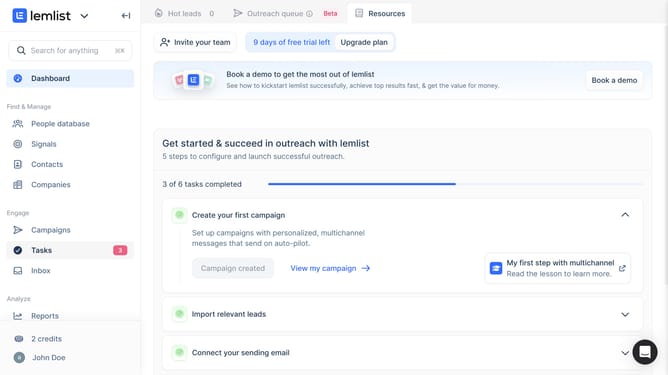
- First click on "Tasks" menu item in the left sidebar under the Engage section
- Then click on the column header in the tasks table
- Finally hover your cursor over the edge of the column header and drag left or right to adjust the column width
Why should you resize task columns in Lemlist
Lemlist is an innovative platform designed to boost sales engagement through personalized email campaigns.
One of its notable features is the ability to resize task columns, providing users with enhanced control over their workflow. By adjusting these columns, users can tailor their workspace to suit their preferences, ensuring that important details remain prominent.
This customization is particularly beneficial for maintaining focus and organization, as it allows for a clearer view of tasks and deadlines. Ultimately, it streamlines processes and maximizes productivity by adapting to individual working styles.
Last update