How to add a phone number field for a contact in Lemlist
Here is how to add a phone number field for a contact in lemlist
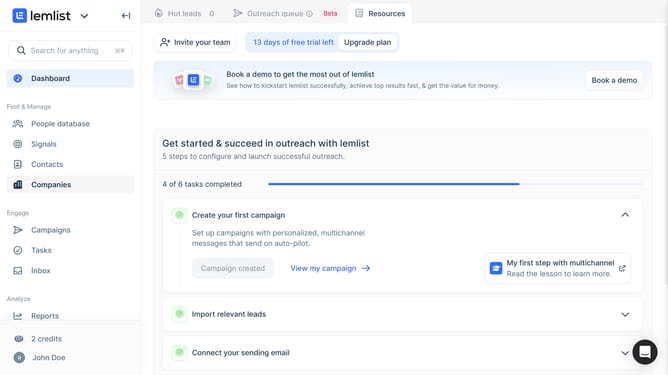
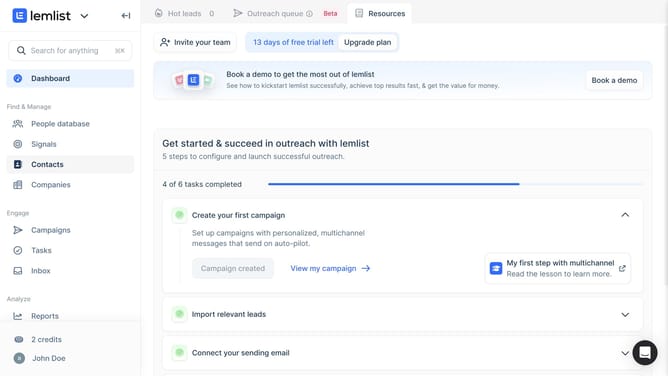
- First click on "Contacts" in the left sidebar under the Find & Manage section
- Then click on the contact name from the contacts list
- Next click on the add field button or plus icon in the Contact fields section of the right panel
- Then click on the "Field name" input field in the Create contact field dialog and enter name
- Next click on the "Field type" dropdown menu in the Create contact field dialog
- Then select "Phone" option from the Field type dropdown menu
- Finally click on the "Create field" button to complete the field creation
Why should you add a phone number field for a contact in Lemlist
Lemlist is an innovative platform designed to automate and personalize email outreach for businesses looking to boost engagement.
By adding a phone number field for a contact in Lemlist, you enhance your ability to tailor communication strategies and keep your contact information comprehensive.
This feature ensures you can seamlessly integrate calls into your outreach campaigns, providing a more personal touch and strengthening your relationship with prospects.
Incorporating phone numbers facilitates better follow-ups and adds a layer of immediacy to your communications, offering a seamless, multi-channel approach that can greatly improve campaign effectiveness.
Last update