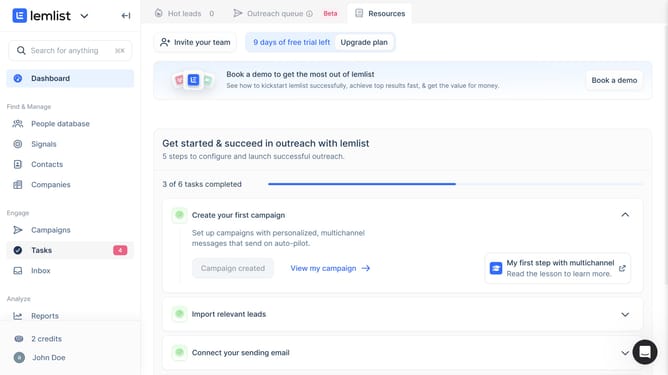
How to update a contact's industry in Lemlist
Here is how to update a contact's industry in lemlist
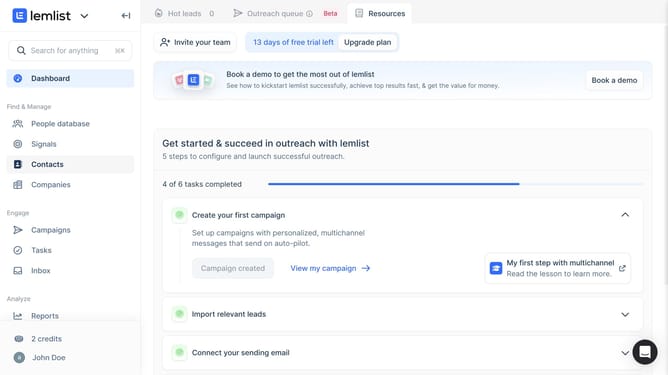
- First click on "Contacts" in the left sidebar under the Find & Manage section
- Then click on the contact name from the contacts list
- Then click on the "General" tab in the contact details panel
- Then scroll down in the contact details panel to view the "Industry" field
- Then click on the "Industry" field to view or edit the industry information
- Finally click outside the contact panel to return to the contacts list and save changes
Why should you update a contact's industry in Lemlist
Lemlist is a versatile tool designed to personalize and automate your email outreach campaigns effortlessly.
One of the standout features in Lemlist is updating a contact's industry, which enhances the personalization aspect of your outreach. This functionality allows users to ensure that communication is relevant and tailored specifically to the recipient’s professional context.
By keeping contact details accurate and up-to-date, you increase engagement, leading to deeper connections and potentially higher conversion rates.
Last update