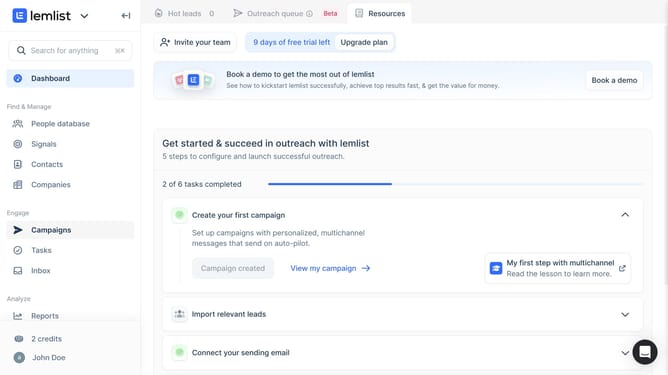
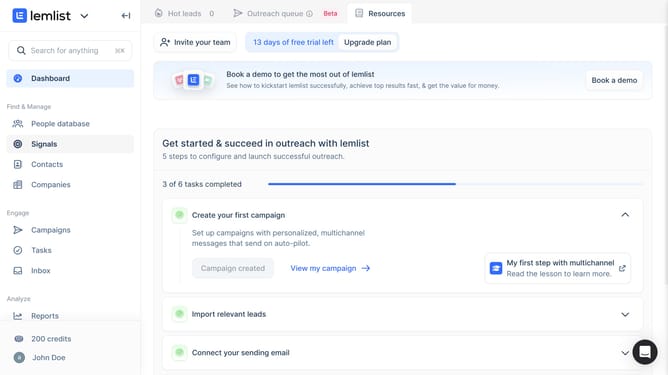
How to add a sending email performance widget on reports in Lemlist
Here is how to add a sending email performance widget on reports in lemlist
- First click on "Reports" in the left sidebar under the Analyze section
- Then click on a tab in the top navigation menu
- Next click on "Add widget" button in the content area
- Then click on "Sending email performance" widget card in the Add widget modal
- Finally click on "Save for everyone" button in the top right corner of the page
Why should you add a sending email performance widget on reports in Lemlist
Lemlist is designed to amplify your email campaigns through personalized engagement and automation.
By adding a sending email performance widget to reports in Lemlist, users gain instant insights into the effectiveness of their email outreach. This feature ensures that you’re able to see key metrics such as open rates and responses in a visually accessible format.
Utilizing this widget, businesses can quickly adjust strategies and optimize campaigns, ensuring that each email sent is better tailored for success. It's all about enhancing communication effectiveness with minimal effort.
Last update