How to delete a field in contacts in Lemlist
Here is how to delete a field in contacts in lemlist
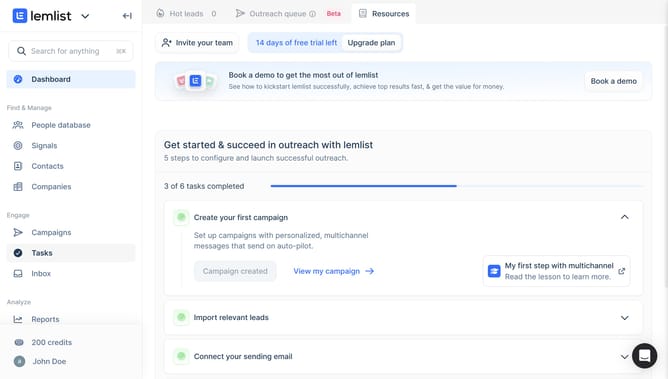
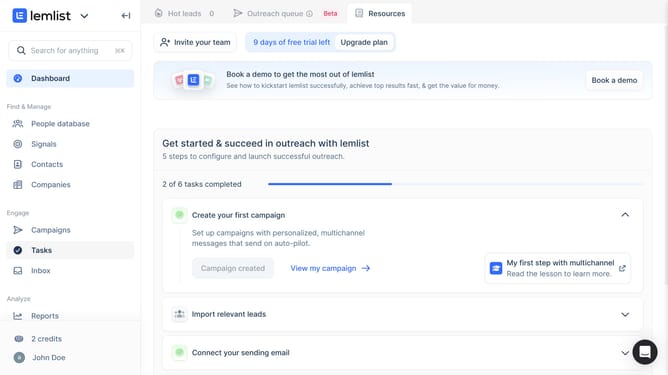
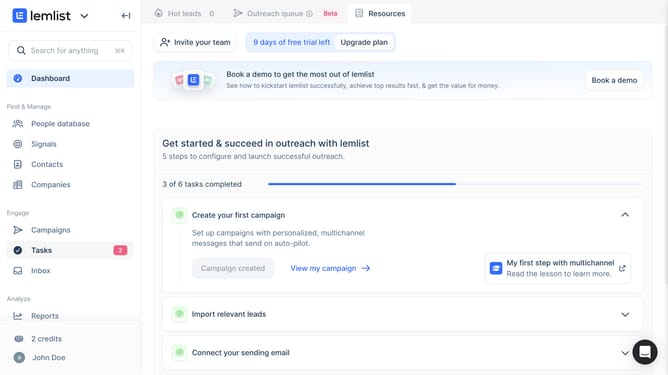
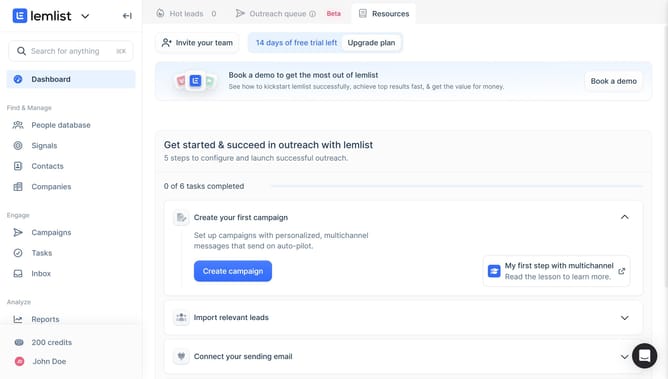
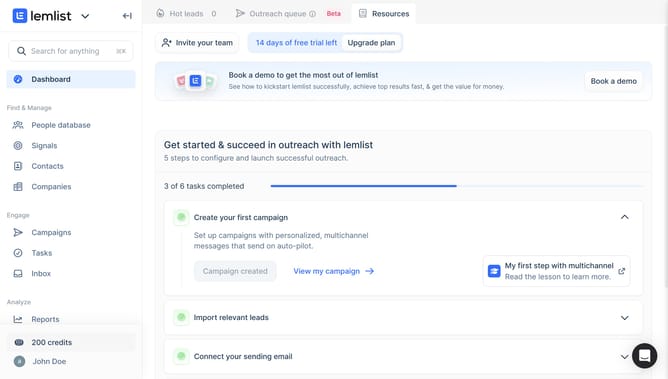
- First click on "Contacts" in the left sidebar under the Find & Manage section
- Then click on the contact name from the contacts list
- Next click on the three-dot menu button in the contact details panel on the right side
- Then click on "Delete" option from the dropdown menu
- Finally click on "Confirm" button in the delete field confirmation dialog
Why should you delete a field in contacts in Lemlist
Lemlist is a dynamic tool designed to supercharge your email marketing campaigns with personalization and automation.
The ability to delete a field in contacts in Lemlist enhances data management efficiency. It allows you to streamline your contact list, ensuring that your database only contains relevant and up-to-date information.
This feature keeps your campaigns targeted and clean, reducing clutter and potential errors. By maintaining a well-organized contact list, your campaigns are more precise, ultimately leading to higher engagement rates.
Last update