How to update profile contact email in Lemlist
Here is how to update profile contact email in lemlist
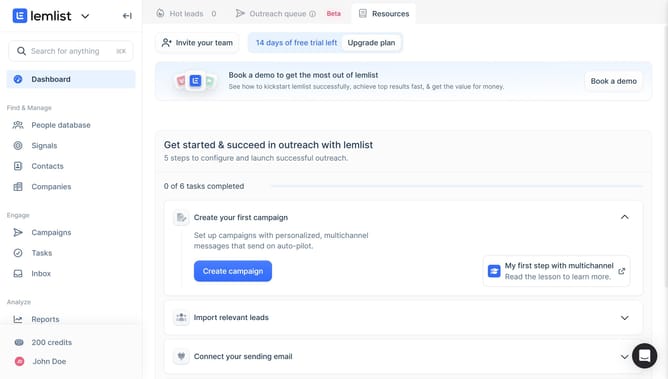
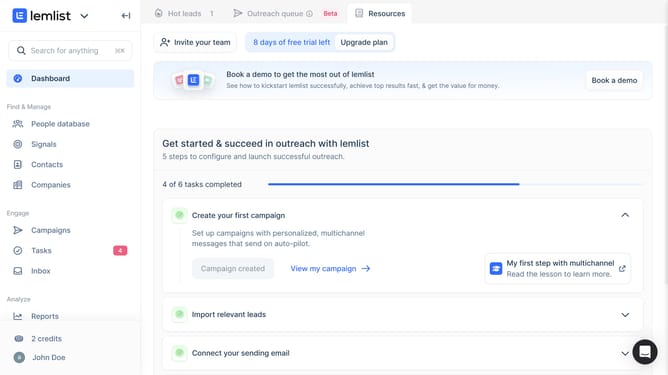
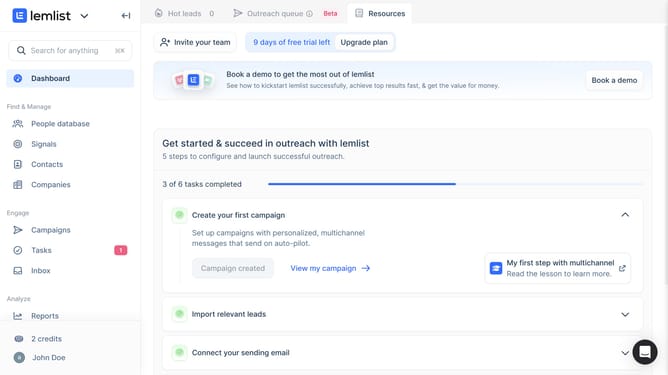
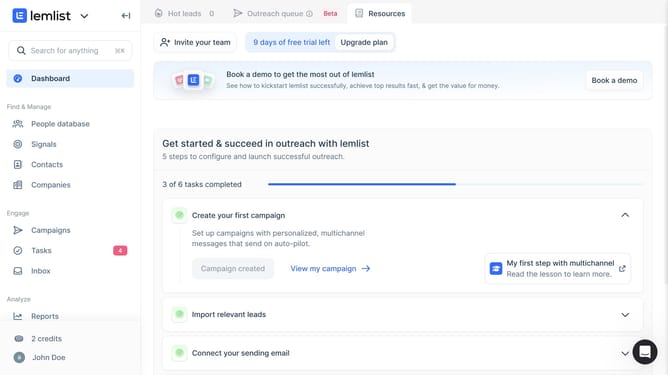
- First click on the user profile button in the bottom left sidebar
- Then click on the "Settings" option in the dropdown menu that appears
- Next click on the "Contact email" input field in the Account settings section and enter email address
- Finally click anywhere in the screen to save input
Why should you update profile contact email in Lemlist
Lemlist is a dynamic tool designed to boost your outreach campaigns with personalized email automation.
Updating your profile contact email in Lemlist is a simple yet impactful feature that ensures your communication remains seamless and effective. By keeping your email details current, you enhance the likelihood of successful engagements and follow-ups.
This feature is particularly beneficial for maintaining professionalism and coherence in all interactions, thus maximizing the potential for positive outcomes in your campaigns.
With just a few clicks, you can ensure that your profile stays in sync with your latest contact information, reinforcing trust and reliability with your audience.
Last update