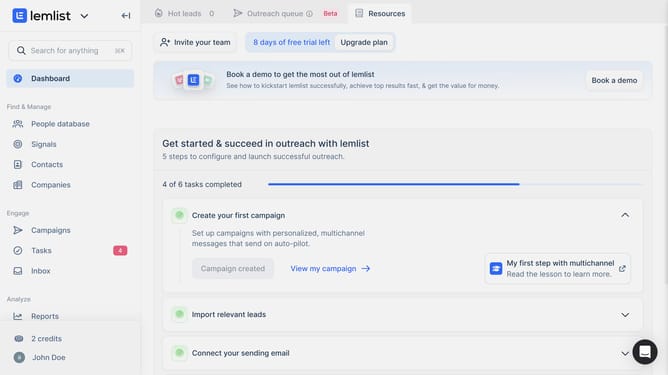
How to change the reporting period lead issues overtime in Lemlist
Here is how to change the reporting period lead issues overtime in lemlist
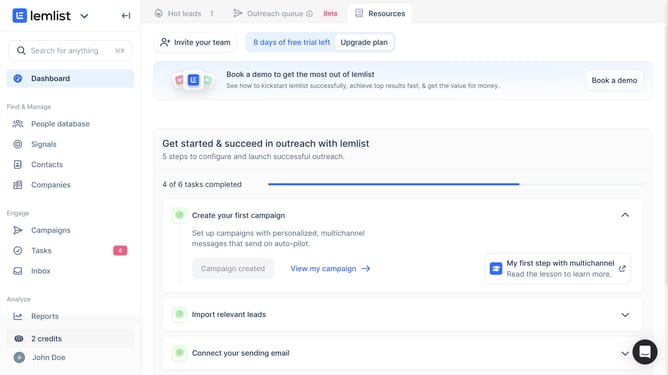
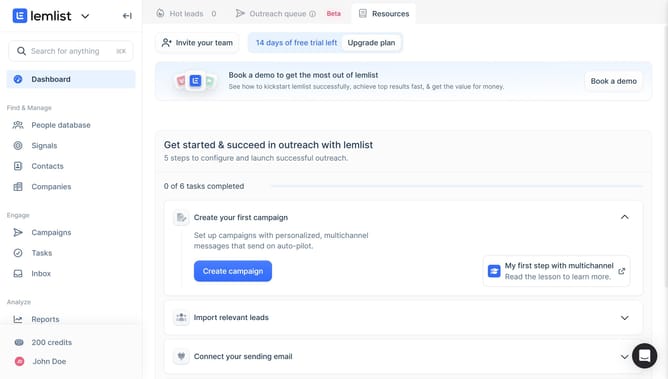
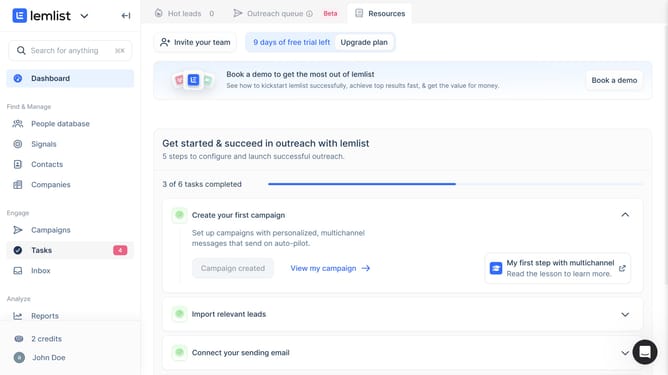
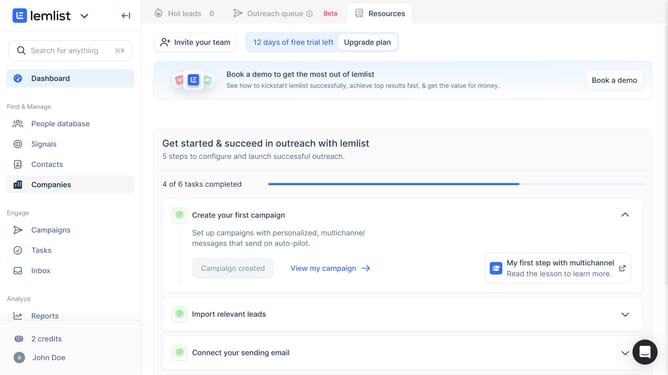
- First click on "Reports" link in the left sidebar under the Analyze section
- Then click on a tab in the top navigation menu
- Then click on the period dropdown button in the chart controls area
- Then select an option from the time period dropdown menu
- Finally click on "Save for everyone" button in the top right corner
Why should you change the reporting period lead issues overtime in Lemlist
Lemlist is a powerful tool designed to elevate your email outreach strategy through personalized campaigns and seamless automation.
One standout feature is its ability to change the reporting period of lead issues over time, granting users more control and flexibility. This feature allows businesses to fine-tune their understanding of campaign performance over specific timelines.
By customizing reporting periods, users can better align analytics with their unique business cycles, fostering sharper insights and more informed decisions for future outreach strategies.
Last update