How to add call funnel per lead widget on reports in Lemlist
Here is how to add call funnel per lead widget on reports in lemlist
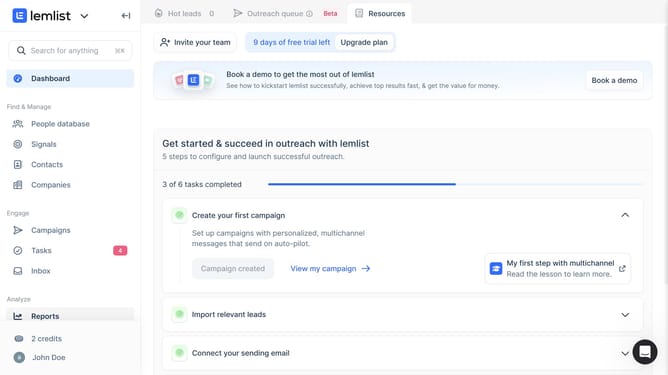
- First click on "Reports" in the left sidebar under the Analyze section
- Then click on a tab in the top navigation bar
- Next click on "Add widget" button in the content area
- Then click on "Add widget" button within the "Call funnel per lead" widget card in the modal dialog
- Finally click on "Save for everyone" button in the top right corner of the page
Why should you add call funnel per lead widget on reports in Lemlist
Lemlist is a dynamic tool designed to supercharge your email outreach campaigns with personalized messaging.
Among its plethora of features, the ability to add a call funnel per lead widget on your reports stands out. This feature allows you to gain a deeper understanding of how each lead progresses through your sales funnel, offering you essential insights into the effectiveness of your strategies.
Utilizing this feature ensures more informed decisions, optimal resource allocation, and a clear visualization of your lead conversion paths, empowering you with actionable data to enhance communication and conversion rates.
Last update