How to filter reports of best time to call by status in Lemlist
Here is how to filter reports of best time to call by status in lemlist
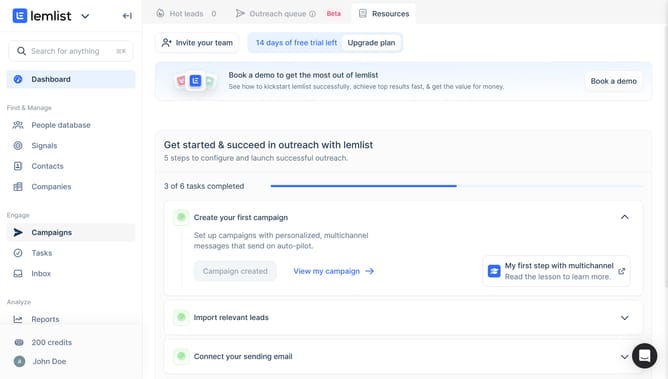
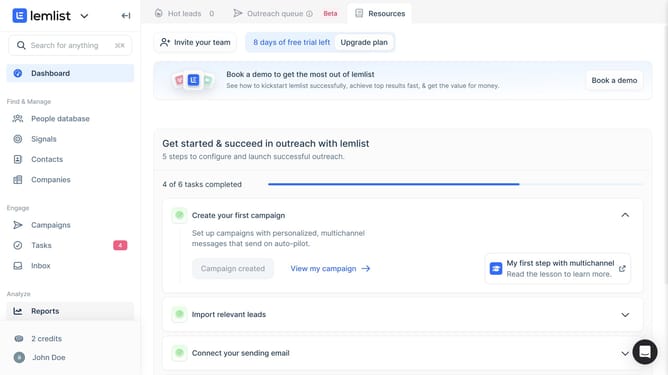
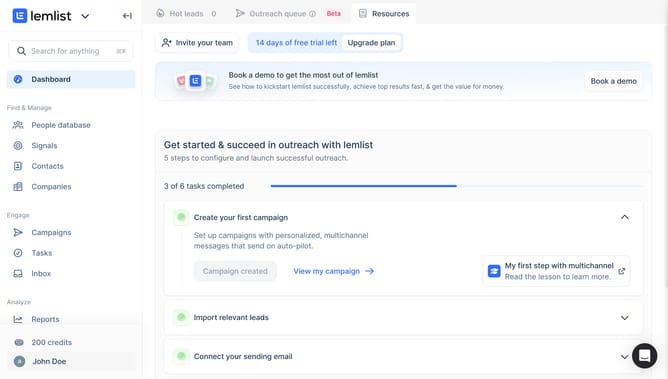
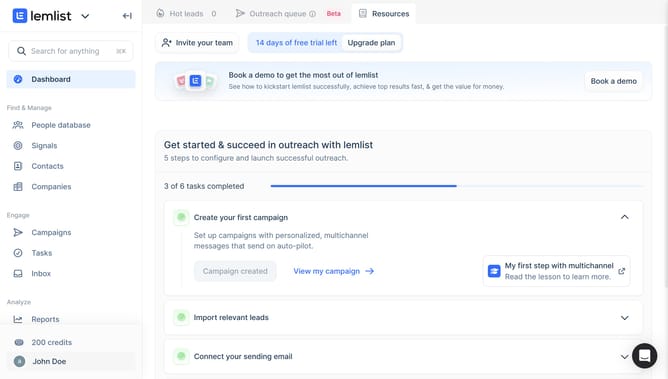
- First click on "Reports" in the left sidebar under the Analyze section
- Then click on the tab in the top navigation menu
- Next click on the status dropdown filter in the top right area of the reporting widget
- Then select a checkbox from the status dropdown menu
- Finally click on the "Save for everyone" button in the top right corner
Why should you filter reports of best time to call by status in Lemlist
Lemlist, a pioneering platform, empowers sales teams by personalizing their email outreach and supercharging their lead engagement.
With the capability to filter reports of the best time to call by status, Lemlist ensures you pinpoint the optimal calling moments for different contacts.
This feature streamlines your approach, enhancing efficiency by allowing you to tailor communication efforts based on contact activity, ensuring maximum impact.
By customizing call times, users can significantly boost their engagement success, making every interaction count.
Last update