How to manage user theme in Lemlist
Here is how to manage user theme in lemlist
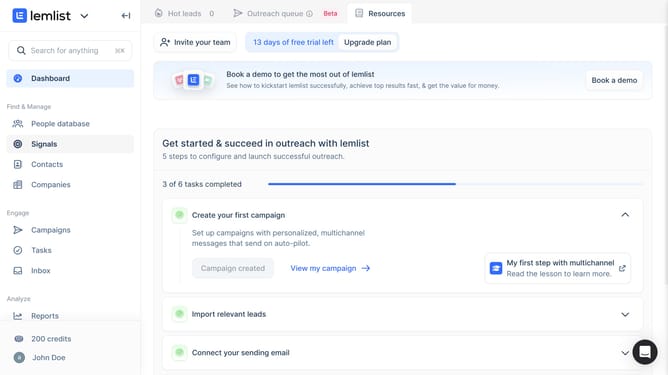
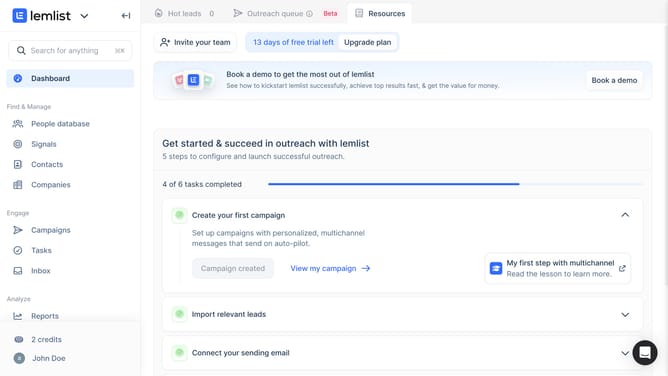
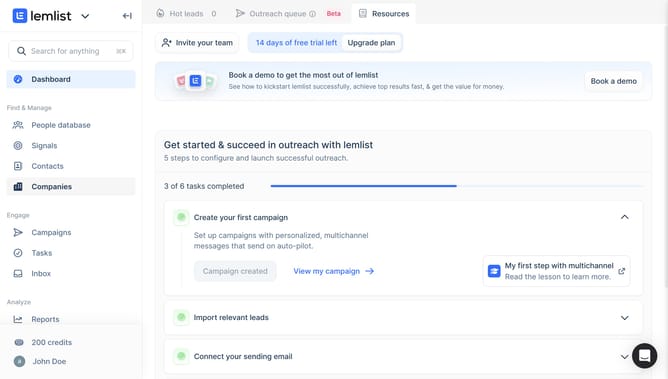
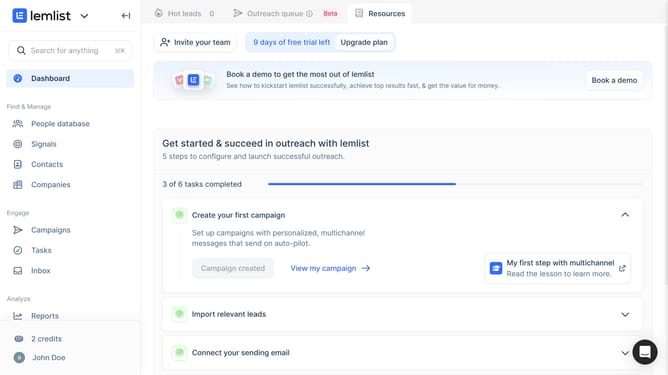
- First click on the profile in the bottom left sidebar
- Then click on the "Settings" option in the dropdown menu
- Finally select a theme option in the Appearance section
Why should you manage user theme in Lemlist
Lemlist is a powerful tool designed to enhance and personalize your outreach campaigns.
Managing user themes in Lemlist allows for a customized experience that reflects your unique brand identity. Personalization in your dashboard can significantly boost your efficiency and increase your engagement rates.
By tailoring the user interface, you can align the visual aspects to suit individual preferences, making the platform more intuitive and user-friendly. A seamless and engaging visual experience helps maintain focus and streamline your workflow.
Last update